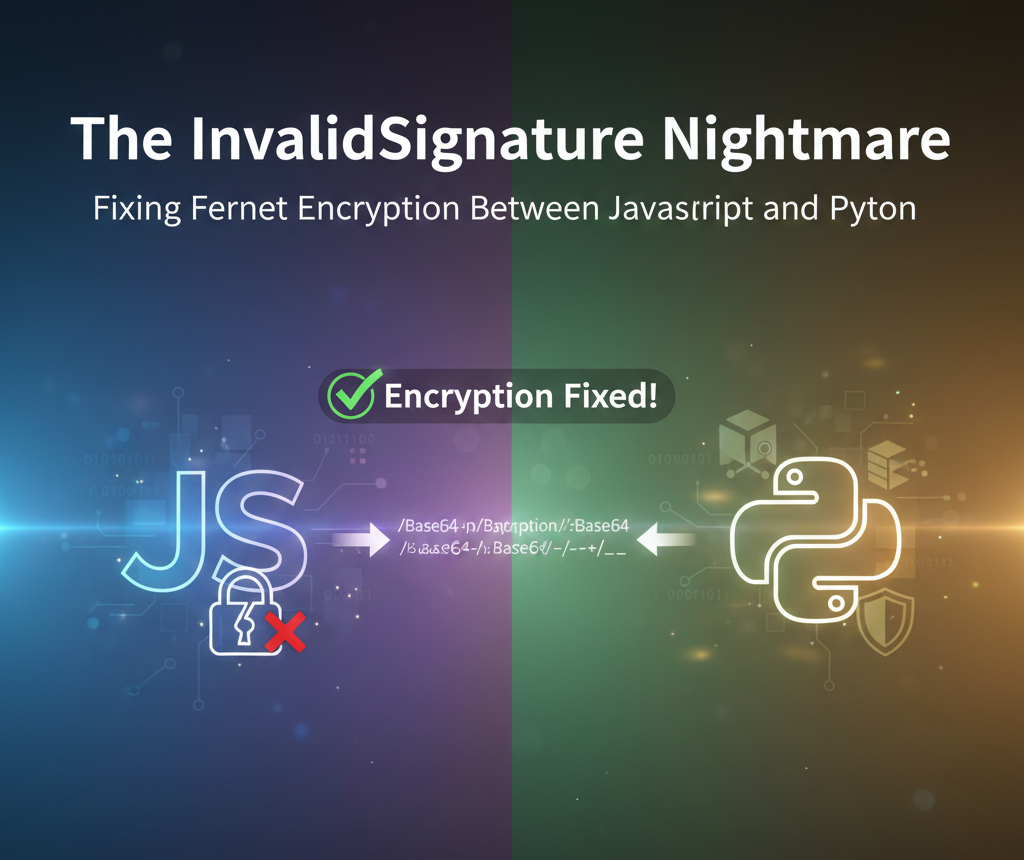
<img src={require('./img/js-and-python.png').default} alt="Fixing Fernet Encryption" width="900" height="450"/> <br/> When building secure full-stack applications, we often need to pass sensitive data—like Docker Compose files or environment variables—from a frontend client to a backend server. For many developers using Python, **Fernet** (symmetric encryption) is the go-to choice because it’s part of the standard [`cryptography` library](https://cryptography.io/en/latest/fernet/). However, moving from a Python-to-Python environment to a **JavaScript-to-Python** environment often leads to a frustrating roadblock: ```text cryptography.exceptions.InvalidSignature: Signature did not match digest. ``` This error doesn't mean your password is wrong; it means your libraries are speaking different "dialects" of the same language. ## The Diagnosis: It’s Not the Password, It’s the Alphabet The error `InvalidSignature` specifically triggers when the HMAC verification fails. Fernet tokens contain a signature that ensures the data hasn't been tampered with. To verify it, the receiver re-calculates the hash using the Secret Key. If they don't match, the token is rejected. The culprit is almost always how Base64 is handled between the two languages. ### Standard vs. URL-Safe Base64 Base64 encoding turns binary data into text. The "Standard" alphabet uses `A-Z`, `a-z`, `0-9`, `+`, and `/`. However, because `+` and `/` are special characters in URLs, Python’s Fernet library uses **URL-Safe Base64** (RFC 4648), which swaps: - `+` for `-` (hyphen) - `/` for `_` (underscore) The break happens in two places: 1. **The Key**: Your Python backend generates a key with underscores. [CryptoJS](https://cryptojs.gitbook.io/docs/), expecting standard Base64, misinterprets these characters, resulting in a corrupted key in memory. 2. **The Token**: CryptoJS sends tokens with `+` and `/`. Python expects `-` and `_`. When Python tries to verify the signature, the math fails. ## The Solution To bridge this gap, we need to "sanitize" the data on both ends of the wire. ### 1. The Frontend Fix (TypeScript/JS) On the client side, we must normalize the Python-generated secret key so that CryptoJS understands it correctly. We also need to construct the Fernet token manually. ```javascript import CryptoJS from 'crypto-js'; export const fernetEncrypt = (message, secret) => { // 1. Sanitize the key: Convert URL-Safe Base64 to Standard Base64 const normalizedSecret = secret.replace(/-/g, '+').replace(/_/g, '/'); const key = CryptoJS.enc.Base64.parse(normalizedSecret); // 2. Split the key into signing and encryption keys const signingKey = CryptoJS.lib.WordArray.create(key.words.slice(0, 4)); const encryptionKey = CryptoJS.lib.WordArray.create(key.words.slice(4, 8)); // 3. Get the current timestamp (in seconds) const timestamp = Math.floor(Date.now() / 1000); const timestampWords = CryptoJS.lib.WordArray.create([0, timestamp]); // 64-bit Big Endian // 4. Create a random IV const iv = CryptoJS.lib.WordArray.random(16); // 5. Encrypt the message const encrypted = CryptoJS.AES.encrypt(message, encryptionKey, { iv: iv, mode: CryptoJS.mode.CBC, padding: CryptoJS.pad.Pkcs7, }); // 6. Create the HMAC const version = CryptoJS.lib.WordArray.create([0x80000000], 1); // Version byte (0x80) const hmacData = CryptoJS.lib.WordArray.create() .concat(version) .concat(timestampWords) .concat(iv) .concat(encrypted.ciphertext); const hmac = CryptoJS.HmacSHA256(hmacData, signingKey); // 7. Concatenate all parts to form the token const token = CryptoJS.lib.WordArray.create() .concat(version) .concat(timestampWords) .concat(iv) .concat(encrypted.ciphertext) .concat(hmac); // 8. Base64 URL-safe encode the token let base64Token = CryptoJS.enc.Base64.stringify(token); base64Token = base64Token.replace(/\+/g, '-').replace(/\//g, '_').replace(/=/g, ''); return base64Token; }; ``` ### 2. The Backend Fix (Python) On the server, perform the reverse operation on the incoming token string *before* passing it to the `cryptography` library. ```python from cryptography.fernet import Fernet from flask import Flask, request app = Flask(__name__) # IMPORTANT: Load your secret key securely, e.g., from environment variables # For demonstration, it's hardcoded here. SECRET_KEY = b"your_fernet_secret_key_here" # Should be a 32-byte URL-safe base64-encoded key cipher_suite = Fernet(SECRET_KEY) @app.route('/compose_file', methods=['POST']) def deploy_from_content(): data = request.get_json() encrypted_data = data.get("encrypted_content") try: # 1. No need to replace characters if the JS side is correct # The token should already be in URL-safe Base64 format. # Fernet expects bytes, so we encode the string. token_bytes = encrypted_data.encode('utf-8') # 2. Decryption will now succeed decrypted_content = cipher_suite.decrypt(token_bytes) return {"message": "Stack deployed successfully!", "content": decrypted_content.decode('utf-8')}, 200 except Exception as e: return {"error": "Decryption failed", "details": str(e)}, 500 ``` ## Why This Matters Cryptography is unforgiving. This issue highlights the importance of Language Interoperability. By ensuring your encryption layers match, you can confidently [deploy containerized apps](https://nife.io/solutions/deploy_containarized_apps) without risking exposure of sensitive configuration files. By explicitly handling the Base64 character mapping, you ensure your application is robust, secure, and ready for a production environment on [Nife's platform](https://nife.io). For further reading on secure implementations, check out the [OWASP Guide on Cryptography](https://owasp.org/www-project-developer-guide/v2/OCG/10-Cryptography/README.html) or the [Official Fernet Specification](https://github.com/fernet/spec).