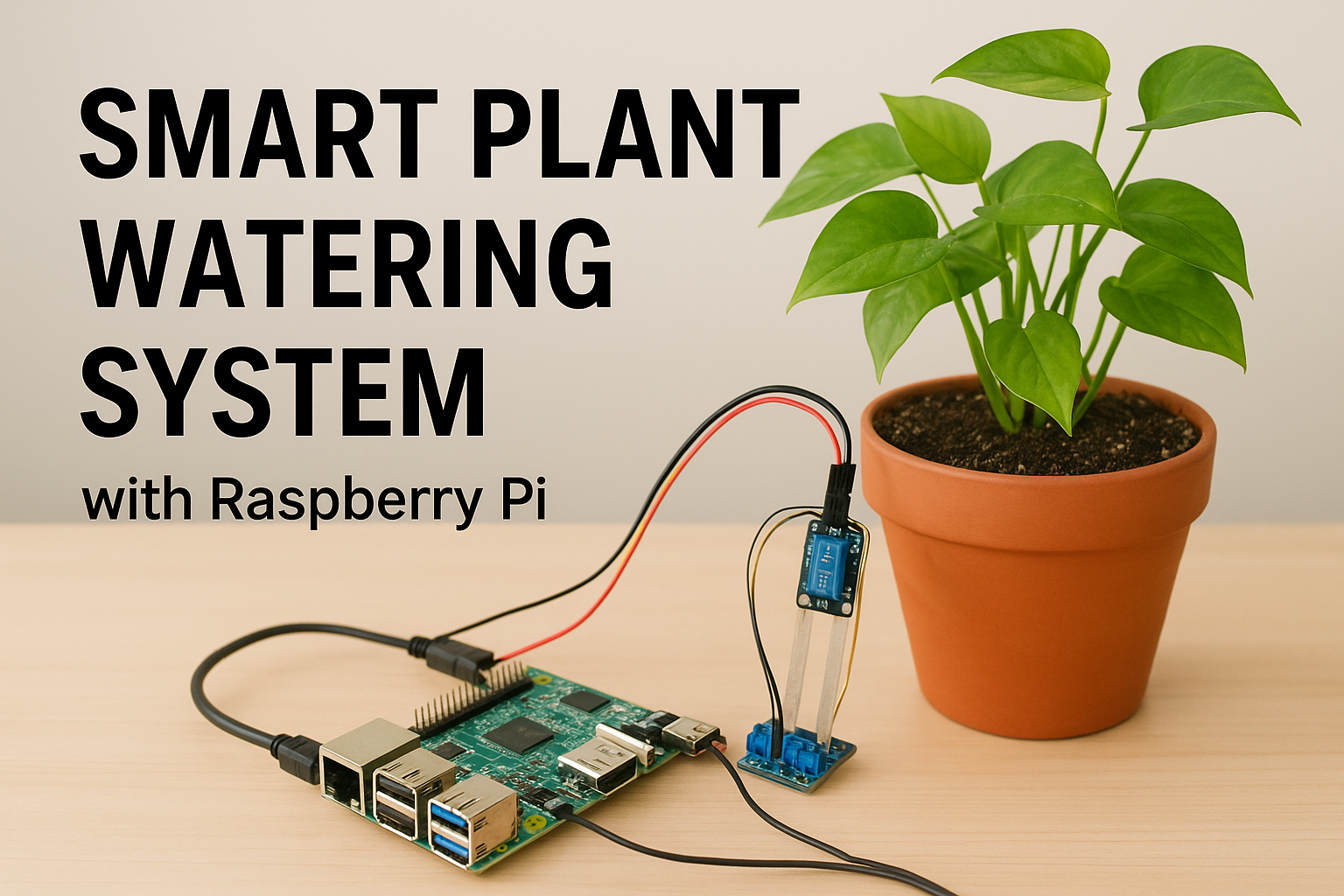
<img src={require('./img/smart-watering-system.png').default} alt="Build Your Own Smart Plant Watering System with Raspberry Pi" width="900" height="350"/> <br/> Technology is everywhere — from phones in our pockets to satellites in space. But some of the most exciting uses of technology happen in the simplest places: like a potted plant sitting in your home. What if your plant could tell you when it’s thirsty, and even water itself? That’s exactly what we’ll build today: a **Smart Plant Watering System** powered by Raspberry Pi. This blog is your all-in-one guide — we’ll cover everything: * What Raspberry Pi is and why it’s perfect for DIY projects * The parts you’ll need * Step-by-step wiring setup * Writing and understanding the Python code * Testing, troubleshooting, and improving your project * Fun extensions like cloud monitoring and smart notifications By the end, you’ll not only have a plant that waters itself but also a solid understanding of how IoT (Internet of Things) projects work. ## A Quick Intro: What’s Raspberry Pi? The [Raspberry Pi](https://www.raspberrypi.com/) is a small, affordable computer the size of a credit card. Don’t let its size fool you — it can run a full operating system, connect to the internet, and control real-world devices through its GPIO (General Purpose Input/Output) pins. Why it’s perfect for this project: * It runs Python (a beginner-friendly language). * It can talk to sensors and motors. * It’s energy-efficient, so it can run all day. * It helps bridge software and hardware in a hands-on way. Think of it as the “brain” of your smart watering system. ## What You’ll Need Here’s the shopping list for your project. Most of these parts are inexpensive and widely available online or in electronics shops: * Raspberry Pi (Model 3, 4, or even a Pi Zero with GPIO will work) * MicroSD card (16GB or more, with Raspberry Pi OS installed) * Soil moisture sensor (capacitive sensors are more reliable than resistive ones) * Mini water pump or a servo motor with a drip system * Relay module (to safely control the pump using Raspberry Pi) * Jumper wires & breadboard * USB power supply for the Raspberry Pi * Plastic tubing (to carry water from the pump to the plant) * A plant in a pot Optional (but highly recommended): * LCD or OLED display (to show soil moisture levels) * Buzzer/LED (to signal when the soil is dry) * Wi-Fi dongle (if your Pi doesn’t already have Wi-Fi) ## Step 1: Setting Up the Raspberry Pi Before we connect sensors, let’s get the Raspberry Pi ready. 1. **Install Raspberry Pi OS** Flash the OS onto your microSD card using [Raspberry Pi Imager](https://www.raspberrypi.com/software/). Insert the card into your Pi, connect monitor, keyboard, and power. 2. **Update the System** ```bash sudo apt update && sudo apt upgrade -y ``` 3. **Enable GPIO** Run `sudo raspi-config`, go to Interface Options, and enable GPIO. 4. **Install Python libraries** ```bash sudo apt install python3-rpi.gpio sudo apt install python3-pip pip3 install adafruit-circuitpython-dht ``` Now the Pi is ready to be the brain of your watering system. ## Step 2: Wiring the Sensor and Pump ### Connecting the Soil Moisture Sensor * **VCC** → 3.3V on Raspberry Pi * **GND** → Ground * **Data/Analog Out** → GPIO pin (we’ll use GPIO17) ### Connecting the Pump via Relay The Raspberry Pi cannot directly power the pump, so we use a relay as a “switch.” * **Relay IN** → GPIO27 * **Relay VCC** → 5V * **Relay GND** → Ground * **Pump +** → Relay output * **Pump –** → Ground > ⚙ Important: Double-check your connections. A wrong wire can damage the Pi. ## Step 3: Writing the Python Code ```python import RPi.GPIO as GPIO import time # Pin setup SENSOR_PIN = 17 # Soil moisture sensor pin PUMP_PIN = 27 # Relay + pump pin GPIO.setmode(GPIO.BCM) GPIO.setup(SENSOR_PIN, GPIO.IN) GPIO.setup(PUMP_PIN, GPIO.OUT) print("Smart Plant Watering System Started...") try: while True: soil_state = GPIO.input(SENSOR_PIN) if soil_state == 0: # Dry soil print("Soil is dry → Watering plant...") GPIO.output(PUMP_PIN, True) time.sleep(5) # Run pump for 5 sec GPIO.output(PUMP_PIN, False) print("Watering complete") else: print("Soil is wet → No need to water.") time.sleep(10) # Check every 10 sec except KeyboardInterrupt: print("Exiting program...") GPIO.cleanup() ``` ## Step 4: Testing Your Project 1. Run the script: ```bash python3 water_plant.py ``` 2. Insert the sensor into dry soil → the pump should start. 3. Water the soil → the sensor should detect wetness and stop the pump. ## Troubleshooting Tips * **Pump not starting?** Check relay wiring and make sure the pump power source is strong enough. * **Sensor gives wrong values?** Test it in a cup of water vs. dry air to confirm. * **Script errors?** Make sure libraries are installed and GPIO pin numbers match your wiring. ## Fun Extensions * **LCD/OLED Display →** Show “Soil Moisture: Dry/Wet” in real time. * **Email or Telegram Alerts →** Send notifications when soil is dry. * **Web Dashboard →** Host a small Flask app on the Pi to view soil data remotely. * **Multiple Plants →** Use multiple sensors and pumps. * **Solar Power →** Make your project eco-friendly and fully automated outdoors. Learn more about integrating sensors and building smart devices with resources like [Adafruit’s tutorials](https://learn.adafruit.com/) or explore hosting your web dashboard on [nife.io](https://nife.io/). ## Real-World Applications This small project mirrors real-world smart farming technologies: * Large farms use soil sensors and automated irrigation. * Smart gardens in homes use IoT for plant care. * Environmental projects use similar setups to monitor forests. By building this, you’re stepping into the world of IoT, automation, and sustainable technology. ## Conclusion You just built a **Smart Plant Watering System with Raspberry Pi**! Along the way, you learned how to: * Connect hardware (sensors, pumps, relays) to Raspberry Pi. * Write Python code to automate tasks. * Test, troubleshoot, and extend your project. This is more than a fun DIY — it’s a stepping stone into IoT development, where technology interacts with the physical world. So next time your plant looks extra green and happy, you’ll know why: your Raspberry Pi just saved the day. visit [nife.io](https://nife.io/) and explore solutions to deploy containerized applications at [nife.io/solutions/deploy\_containarized\_apps](https://nife.io/solutions/deploy_containarized_apps).