MLOps Zoom camp - From Machine Learning Model to Production
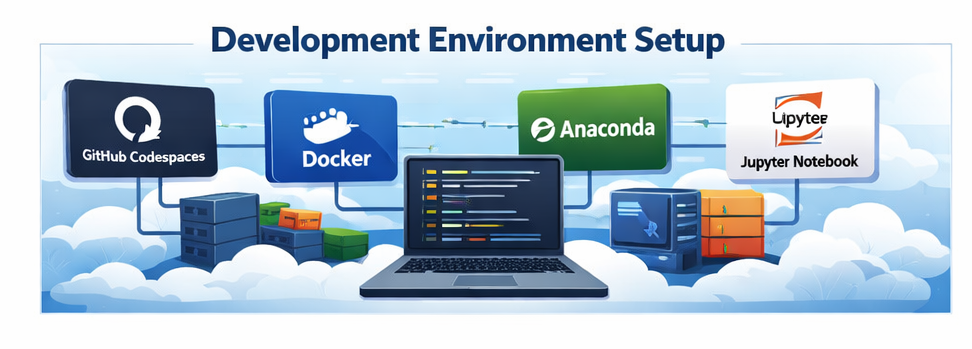
A structured walkthrough of the ML lifecycle and step-by-step environment setup using GitHub Codespaces, Docker, Anaconda, and Jupyter Notebook for production-ready machine learning workflows.

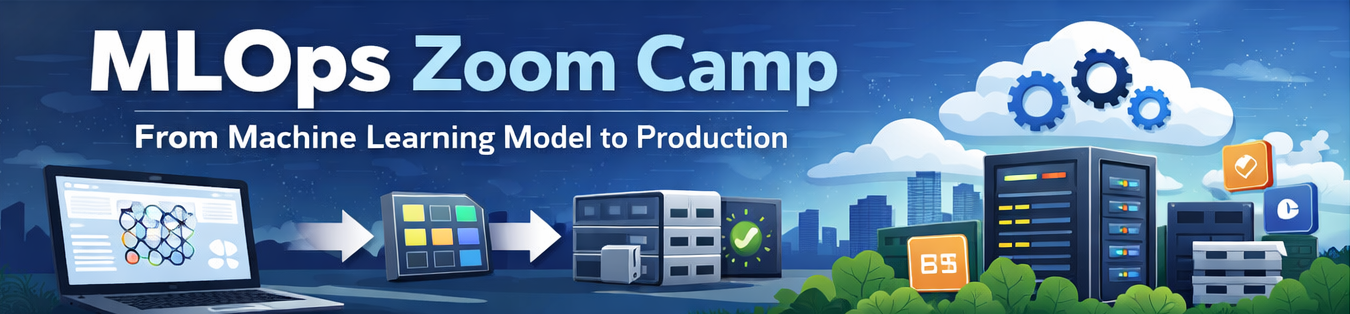
MLOps Zoom Camp -- From ML Model to Production
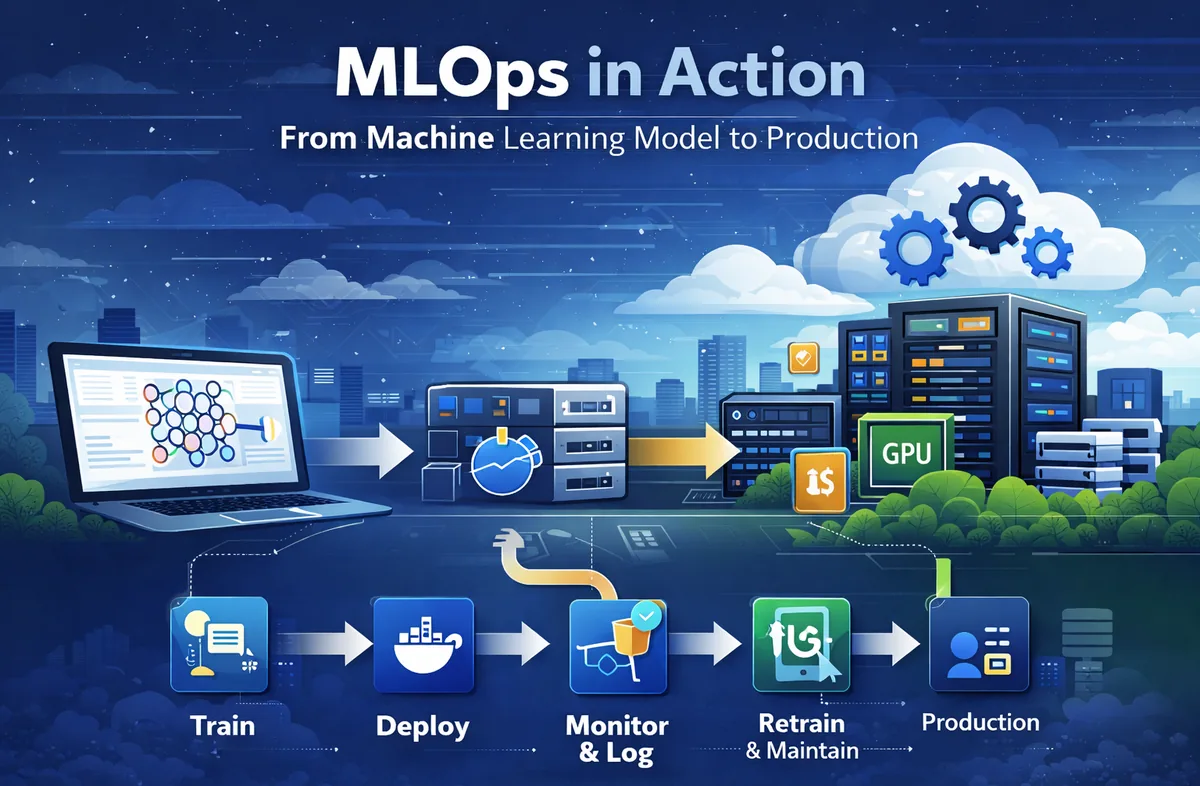
Machine Learning does not end at training a model.The real challenge begins when we move the model into production. This is where MLOps becomes essential Learn more about MLOps principles This blog documents the foundational concepts of MLOps and a complete environment setup process using GitHub Codespaces, Docker, and Anaconda forming the backbone of a production-ready ML workflow.
Understanding the Goal
Example Use Case
A practical example discussed:
Predicting the duration of a taxi trip.
This is a classic machine learning problem where we:
- Collect historical trip data
- Engineer features
- Train a predictive model
- Deploy it for real-time usage
This transition from experimentation to deployment is where MLOps becomes essential.
The Machine Learning Lifecycle
Every ML system follows three fundamental stages.
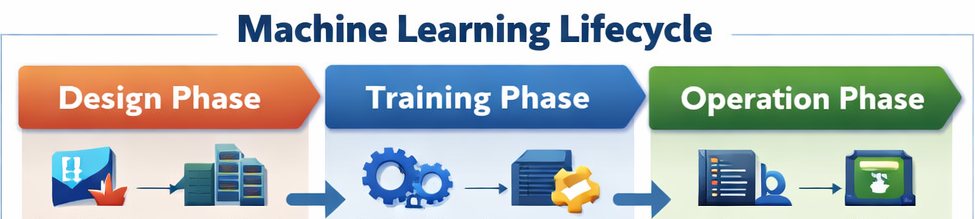
Design Phase
- Understanding the business objective
- Data collection and preprocessing
- Feature selection
- Choosing appropriate model architecture
A strong design phase prevents downstream inefficiencies.
Training Phase
- The model is trained on prepared datasets
- Performance metrics are evaluated
- Hyperparameters are tuned
- Validation is performed
The outcome is a model that performs reliably on unseen data.
Operation Phase
- Deploying the model
- Monitoring performance
- Logging predictions
- Handling model drift
- Retraining when necessary
A production system must be stable, scalable, and reproducible.
You can also deploy AI tools such as MindsDB on the Nife platform.
Setting Up GitHub Repository
Create Repository
- Navigate to GitHub.
- Click Create New Repository.
- Add a repository name.
- Add
.gitignoreand select Python. - Set visibility to Public.
- Click Create Repository.
This repository will store code, notebooks, and configurations.You can follow the official GitHub guide for creating repositories.
Using GitHub Codespaces
GitHub Codespaces provides a cloud-based development environment.
Create Codespace
- Click Code in your repository.
- Select Codespaces.
- Click Create Codespace on Main.
This launches a fully configured remote development environment.
Verifying Docker Installation
Run:
docker run hello-world
If Docker is installed correctly, a success message will confirm that the container executed properly.Learn more about Docker containers
Opening in VS Code
- Click Open in VS Code
- Ensure VS Code Desktop is installed
- Install the GitHub Codespaces extension if required
Installing Anaconda
Step 1: Download Installer
wget https://repo.anaconda.com/archive/Anaconda3-2022.05-Linux-x86_64.sh
Run installer:
bash Anaconda3-2022.05-Linux-x86_64.sh
Step 2: Initialize Anaconda
When prompted:
Do you want to initialize Anaconda?
Type:
yes
Restart terminal:
bash
Step 3: Verify Installation
which python
python -V
Working with Jupyter Notebook
cd 01-intro
jupyter notebook
If prompted for authentication:
- Copy the token from the terminal\
- Paste it into the browser
Dependency Installation and Git Workflow
Inside the notebook:
import pandas as pd
pd.__version__
Install PyArrow:
pip install pyarrow
After making changes:
git status
git add 01-intro
git status
git push
Key Takeaways
- MLOps bridges the gap between experimentation and production.
- Environment configuration is critical for reproducibility.
- Docker enables containerized deployment.
- Anaconda simplifies dependency management.
- Git ensures version control and collaboration.
- Codespaces provides scalable cloud-based development.
Nife.io also supports deployment of AI and LLM workloads using optimized GPU infrastructure and automated model deployment workflows.
Conclusion
Machine Learning in isolation is incomplete.True impact comes when models are deployed, monitored, and maintained in production systems. By setting up a structured environment using GitHub, Docker, and Anaconda, we establish the foundation required for scalable and reliable ML operations. This marks the beginning of building production-grade machine learning systems.
Modern infrastructure platforms like Nife enable developers to deploy applications across distributed cloud and edge environments, making it easier to run production-ready AI and ML workloads.Learn more about the Nife.io
Deploy on Nife
Ready to deploy? Check out the Nife documentation:
From the team at Nife
Deploy your next app in minutes, not days.
Nife is a multi-cloud edge platform that lets you deploy, scale, and manage applications globally without the infrastructure headache.