CSS Formatter Tool | Clean and Beautify CSS Code Online
A practical guide to using the CSS Formatter tool by freetools.nife.io to format, beautify, and standardize CSS for better readability, consistency, and maintainability.

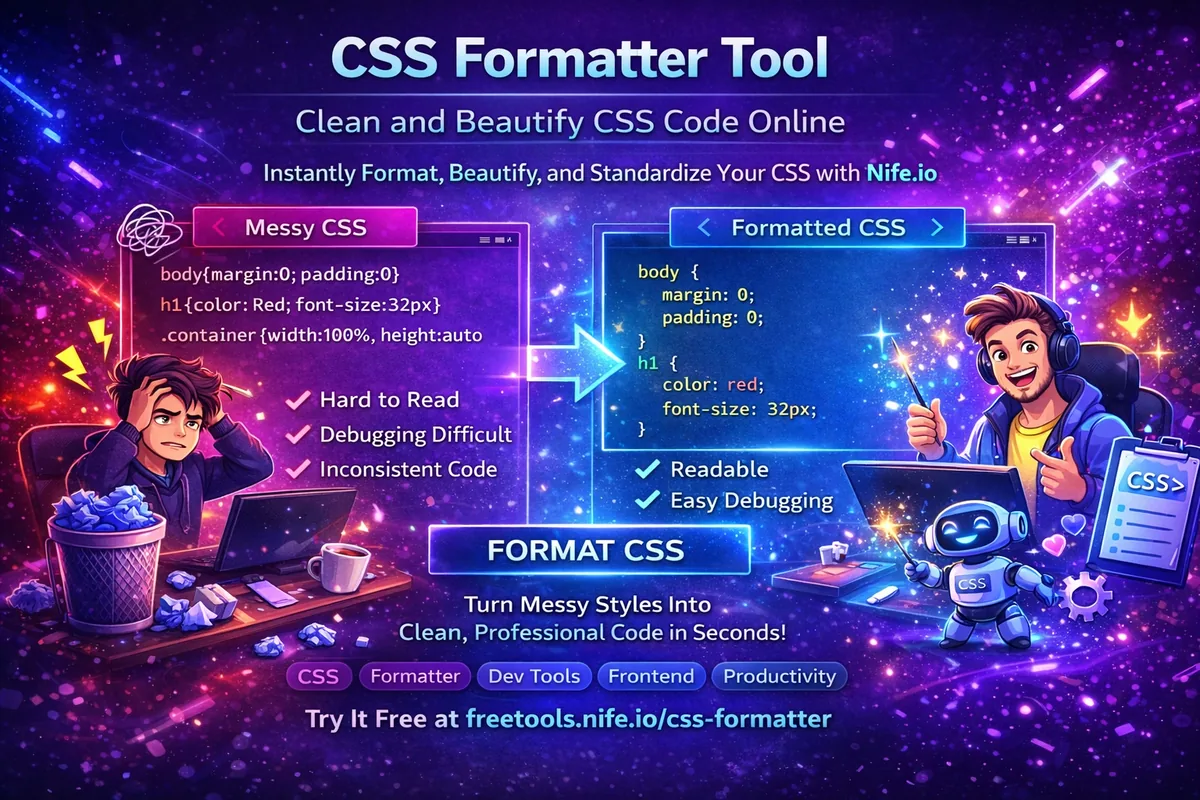
Working with CSS is unavoidable for frontend developers, UI engineers, and full-stack developers. As stylesheets grow larger and more complex, maintaining consistent formatting becomes difficult, leading to messy code, harder debugging, and slower collaboration.
CSS follows a standardized syntax defined by the official CSS specification.
This blog introduces the CSS Formatter tool by freetools.nife.io, a fast and reliable solution to instantly format and beautify CSS code directly in the browser.
The goal of this guide is to explain why CSS formatting matters, how the tool works, and how it fits into a modern frontend workflow.
Why CSS Formatting Matters
Let’s be honest—messy CSS is a headache. When your stylesheets get big, bad formatting just makes everything harder. It’s tough to follow who wrote what, and the indentation? All over the place. With everyone doing their own thing, bugs slip in. Code reviews drag on, and fixing stuff later takes way longer than it should.
But when you use a CSS formatter and stick to a set style, life gets easier. Your code looks the same everywhere—nice, clean indentation, proper spacing. It’s simple to spot where one rule ends and another begins. You can actually read your selectors and properties without getting lost. That means you find and squash bugs faster and working with teammates stops feeling like a guessing game. In the end, your stylesheets stay tidy, and maintenance isn’t such a pain.
For best practices and detailed explanations of CSS properties, developers often rely on the MDN CSS documentation.
What is CSS Formatter by freetools.nife.io?
The CSS Formatter is a free, browser-based developer tool that automatically converts raw, messy, or minified CSS into clean, readable, and well-structured CSS.
It is designed for developers who want instant formatting without installing extensions, configuring editors, or running CLI tools.
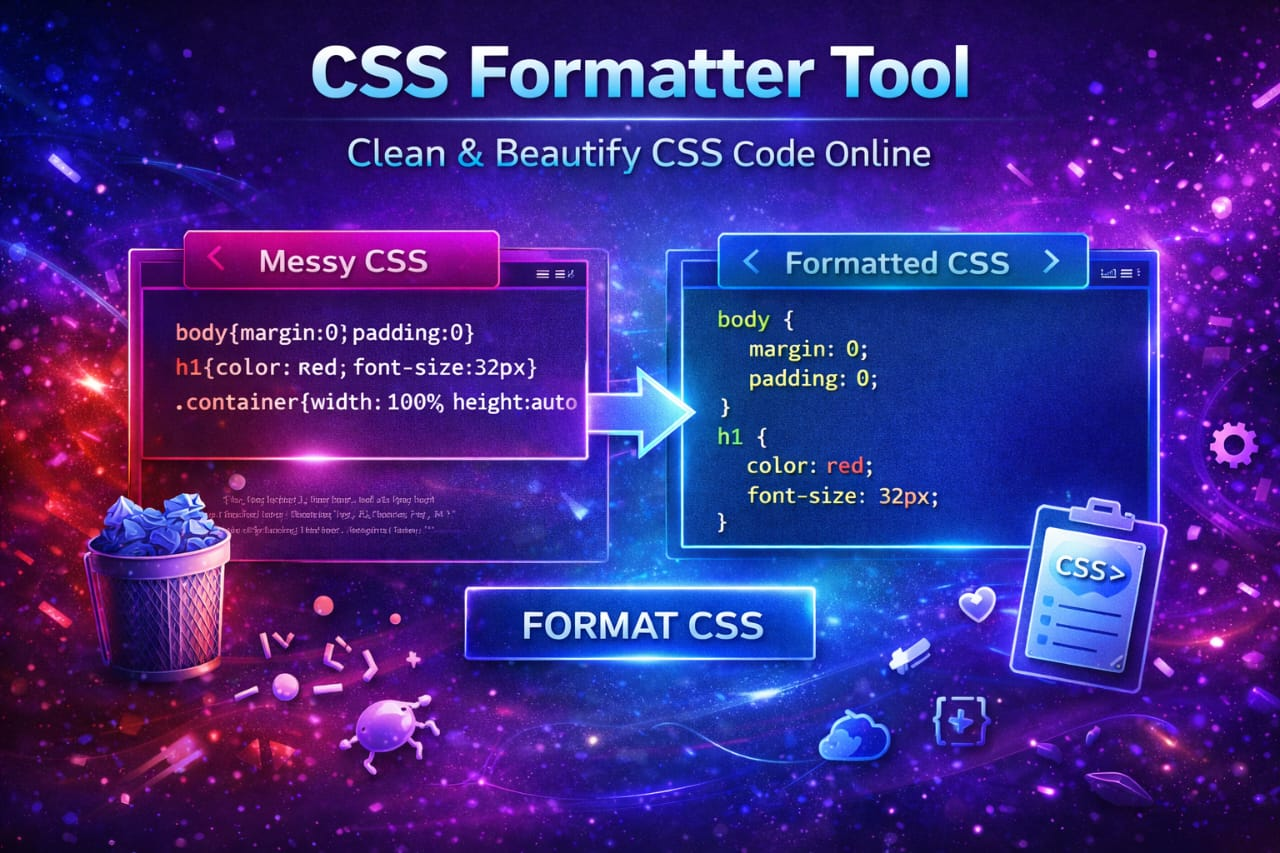
Turn cluttered styles into clean, professional code in seconds — Try Nife’s CSS Formatter now
Step 1: Access the CSS Formatter Tool
The tool runs entirely in the browser.
- Open the CSS Formatter page
- Paste your CSS code into the input editor
- Choose formatting options (indentation, spacing, rules)
- Click the Format CSS button
- Instantly copy or download the formatted output
Step 2: Formatting Options Supported
The CSS Formatter provides flexible formatting controls:
- Indentation using spaces or tabs
- Custom indent size (1–8 spaces)
- New line separation between rules
- Optional removal of CSS comments
- Automatic conversion of selectors to lowercase
- Clean and consistent output formatting
These options make the tool suitable for both personal projects and team-wide coding standards.
Step 3: How the CSS Formatter Works
Behind the scenes, the tool follows a two-step process:
- Prettier is used to normalize and repair CSS syntax
- PostCSS applies transformations such as:
- Removing comments
- Lowercasing selectors
- Adding spacing between rules
This ensures the output is both syntactically correct and visually clean.
CSS formatting behavior is based on established rules similar to those described in Prettier CSS formatting.
Step 4: Example CSS Formatting
Before Formatting
body{margin:0;padding:0}h1{color:Red;font-size:32px}.container{width:100%;height:auto}
After Formatting
body {
margin: 0;
padding: 0;
}
h1 {
color: red;
font-size: 32px;
}
.container {
width: 100%;
height: auto;
}
The formatted output is easier to read, review, and maintain.
Step 5: Common CSS Issues Solved
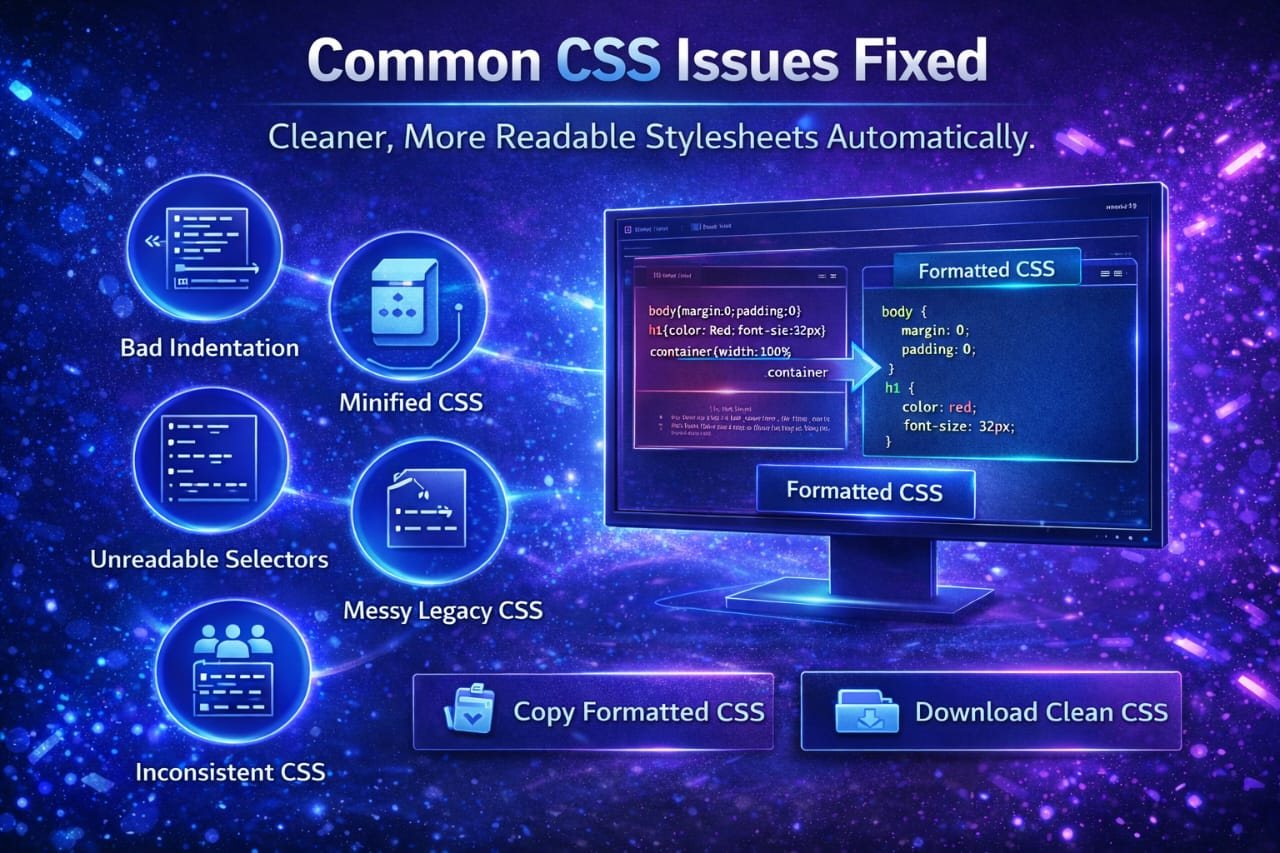
- Bad indentation
- Minified or compressed CSS
- Poor spacing between rules
- Selectors that make your eyes hurt
- Messy legacy stylesheets
- Inconsistent formatting from different team members
Many modern CSS tools use transformation pipelines like PostCSS to clean, normalize, and enhance stylesheets.
Step 6: Use Cases for CSS Formatter
- Cleaning up production CSS
- Preparing styles for code reviews
- Formatting CSS for documentation or tutorials
- Learning proper CSS structure
- Keeping everyone’s styles consistent across the team
- Refactoring legacy stylesheets
Step 7: Why Choose freetools.nife.io CSS Formatter
Compared to editor plugins or CLI tools, this formatter offers:
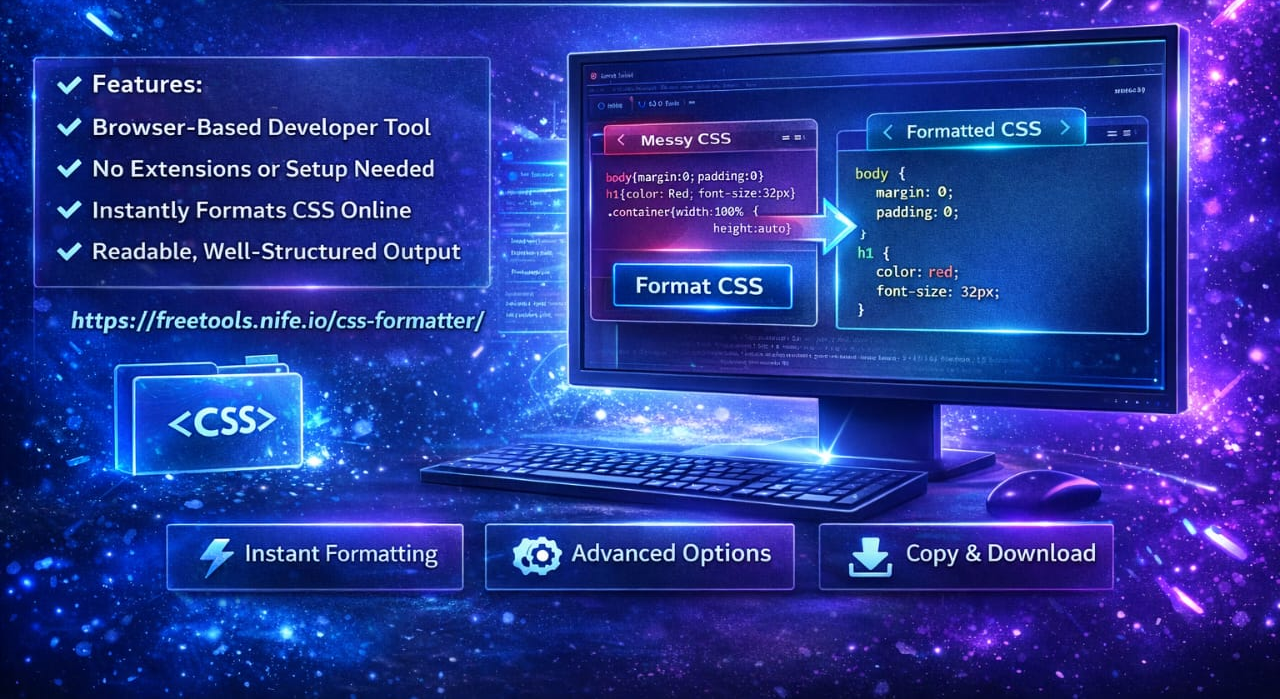
- Zero setup or installation
- Fast, in-browser formatting
- Simple and distraction-free UI
- Advanced formatting options
- Copy and download support
- Completely free access
- It fits perfectly into quick development and debugging workflows.
Best Practices When Formatting CSS
- Format CSS before committing changes
- Use consistent indentation across projects
- Remove unnecessary comments in production
- Keep selectors readable and predictable
- Treat formatted CSS as part of clean code standards
Key Takeaways
- CSS formatting improves readability and maintainability
- Clean stylesheets reduce bugs and confusion
- Browser-based tools eliminate setup friction
- Automated formatting saves time and effort
- CSS Formatter by freetools.nife.io simplifies styling workflows
Related Tools
- Need to optimize your CSS for production? Try the Code Minifier by Nife
Conclusion
The CSS Formatter tool by freetools.nife.io is a practical utility for developers working with CSS daily. By converting unstructured styles into clean, readable CSS, it enhances productivity, collaboration, and long-term maintainability.
Honestly, getting into the habit of formatting your CSS isn’t a huge change — but it pays off fast. Your code looks better, your team moves quicker, and everything just runs a little smoother.
More Tools to Explore
Discover more smart, free tools designed to simplify your workflow at Nife.io
From the team at Nife
Deploy your next app in minutes, not days.
Nife is a multi-cloud edge platform that lets you deploy, scale, and manage applications globally without the infrastructure headache.