Code Minifier & Prettier Tool | Format and Compress HTML, CSS, JavaScript Online
Format, beautify, and minify HTML, CSS, and JavaScript instantly using the free Code Minifier & Prettier tool by freetools.nife.io.

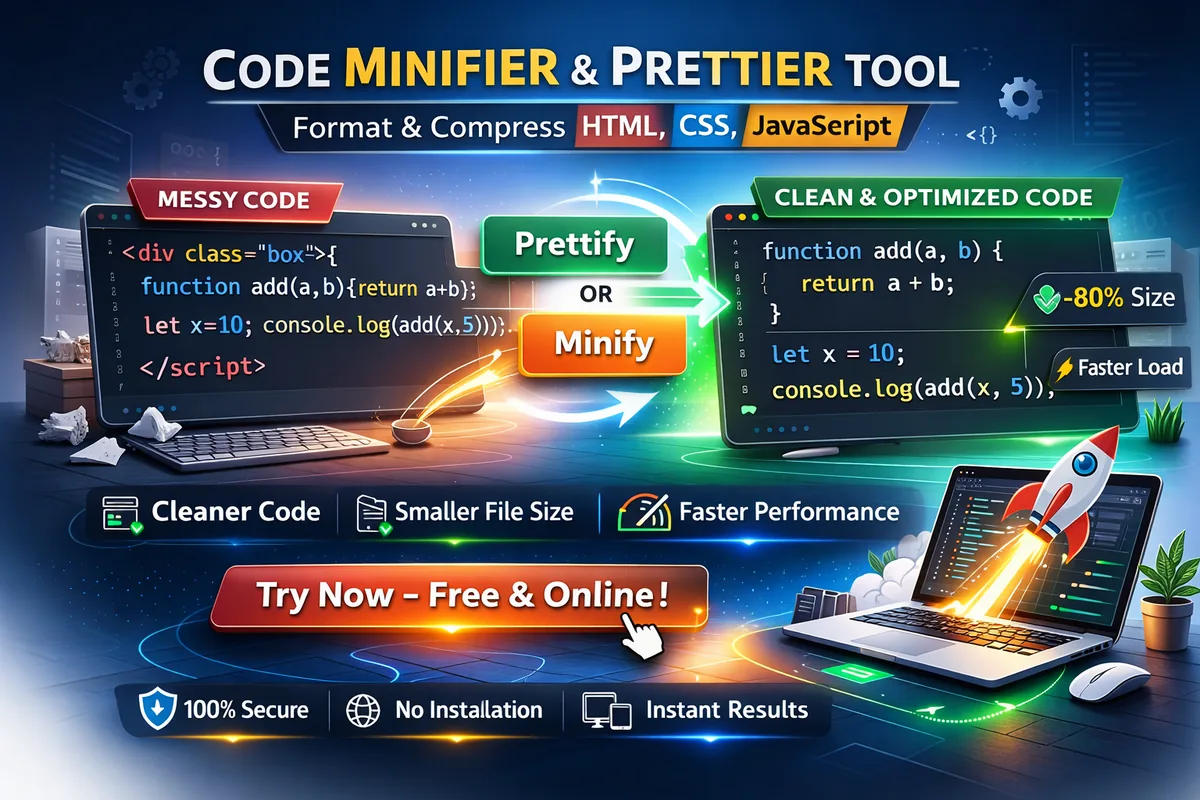
Clean, readable code improves collaboration. Minified code improves performance.
Modern development often requires both.
The Code Minifier & Prettier tool by freetools.nife.io allows you to instantly format or compress HTML, CSS, and JavaScript directly in your browser — with no installation required.
Whether you're preparing code for production or improving readability during development, this tool helps streamline your workflow.
Why Formatting and Minification Matter
Modern performance guidelines from Google Web.dev recommend minimizing unused characters in production files to improve loading speed and efficiency.
The Problem with Unformatted Code
Messy or inconsistent code can lead to:
- Reduced readability
- Harder debugging
- Inconsistent team standards
- Merge conflicts
- Poor maintainability
When code lacks structure, productivity suffers.
The Problem with Non-Minified Code
Large, uncompressed files can cause:
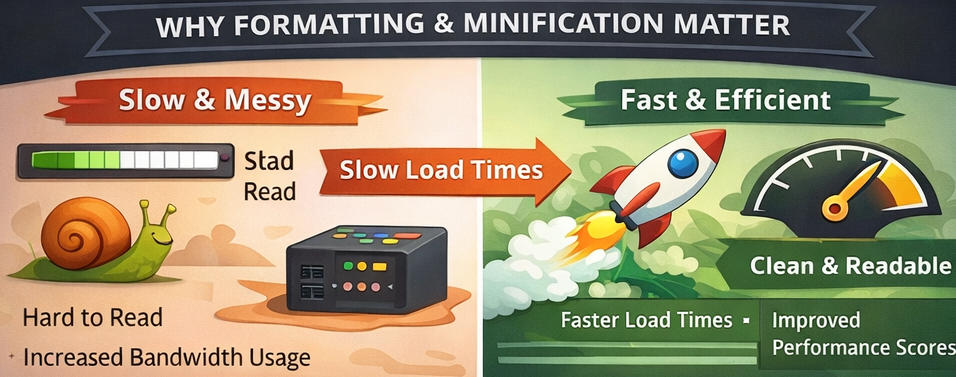
- Slower website load times
- Increased bandwidth usage
- Reduced performance scores
- Lower SEO rankings
Production-ready applications benefit from smaller file sizes.
What Is the Code Minifier & Prettier Tool?
Code minification is a standard optimization technique explained in detail by MDN Web Docs, where unnecessary characters are removed without changing functionality.
The Code Minifier & Prettier is a free, browser-based utility that lets you:
- Format messy code into clean, structured output
- Minify code for production deployment
- Remove unnecessary whitespace and comments
- Improve readability instantly
- Compress files without breaking syntax
Supported formats include:
- HTML
- CSS
- JavaScript
How to Use the Tool
Using the tool is simple and quick:
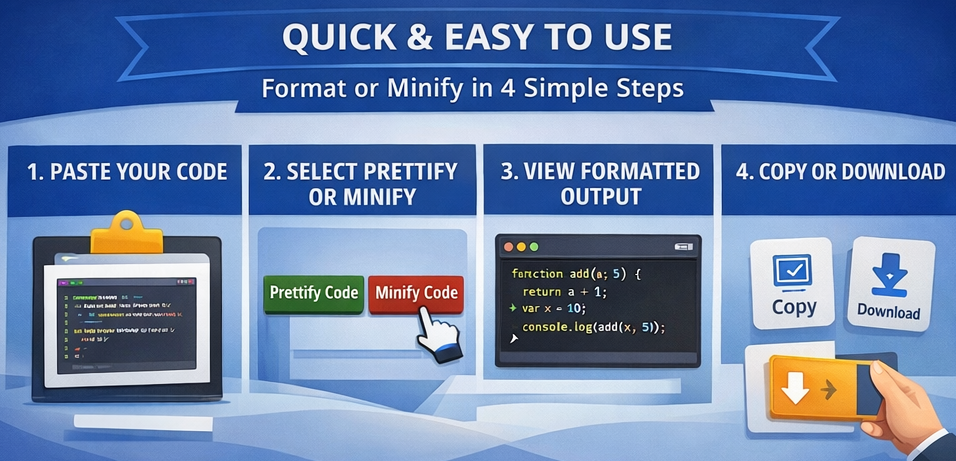
- Open the Code Minifier & Prettier page
- Paste your HTML, CSS, or JavaScript code
- Choose Prettify Code or Minify Code
- Instantly view the processed output
- Copy or download the result
No login. No installation. No configuration required.
If you regularly clean up code snippets, you may also find the JSON Formatter Tool useful for organizing structured data during development.
Example: Formatting Messy Code
Input (Unformatted JavaScript)
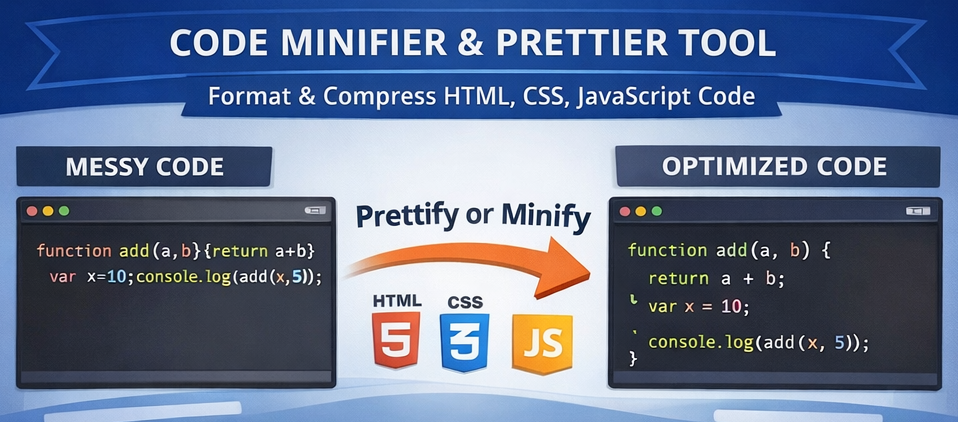
function add(a,b){return a+b}var x=10;console.log(add(x,5));
Formatted Output
function add(a, b) {
return a + b;
}
var x = 10;
console.log(add(x, 5));
Formatting improves readability and structure instantly.
Readable data formats become even more important when working with APIs, developers often rely on a JSON Validator ,Try Nife's Free JSON Validator Tool to detect syntax issues quickly.
Example: Minifying Code for Production
Input (Readable CSS)
body {
margin: 0;
padding: 0;
background-color: white;
}
Minified Output
body{margin:0;padding:0;background-color:white}
The minified version removes unnecessary spaces and line breaks, reducing file size.
Key Features
- Everything happens right in your browser, so it’s both secure and quick.
- Handles HTML, CSS, and JavaScript without a hitch.
- Formats your code instantly with neat, consistent indentation.
- Cleans up whitespace and strips out unnecessary comments.
- Totally free.
Works just as well for tiny snippets as it does for massive files.
Use Cases
You’ll find the Code Minifier & Prettier handy for all sorts of tasks:
- Get code ready for production fast.
- Make things easier to read while you’re developing.
- Keep formatting consistent across your team.
- Boost your website’s speed.
- Tidy up code you’ve copied or inherited.
- Sort out messy formatting issues when debugging.
If you spend your days working with HTML, CSS, or JavaScript, this tool is made for you.
Best Practices
- Format your code as you work, so everything stays clear and organized.
- Minify your files before sending them live.
- Always keep the original, readable version in your source control.
- Let automated tools handle minification—don’t do it by hand.
- Check the minified code in a staging environment before rolling it out.
Keeping original readable files in version control aligns with recommended workflows described in Git Documentation.
By combining formatting and minification, you’ll keep your code easy to maintain and your site running fast.
Key Takeaways
- Clean code improves readability and collaboration
- Minified code runs faster.
- Automation cuts down on mistakes and saves you time.
- Browser tools make your work smoother.
Code Minifier & Prettier from freetools.nife.io does all this in seconds.
Conclusion
If you’re a developer, Code Minifier & Prettier from freetools.nife.io just makes things easier. When you’ve got messy code to clean up or files to prep for launch, you can move faster and keep your work sharp.
It’s all in one spot—formatting and compression—so your code stays clear while your app loads quicker.
For a complete developer toolkit, explore more utilities available in the Free Developer Tools Collection.
Try the Code Minifier & Prettier Now
Format or compress your HTML, CSS, and JavaScript instantly using Code-Minifier Tool
From the team at Nife
Deploy your next app in minutes, not days.
Nife is a multi-cloud edge platform that lets you deploy, scale, and manage applications globally without the infrastructure headache.