Terraform Plan & State Viewer | Visualize and Analyze Terraform Output Online
A practical guide to using the Terraform Plan and State Viewer by freetools.nife.io to visualize, inspect, and understand Terraform plan and state files with clarity.

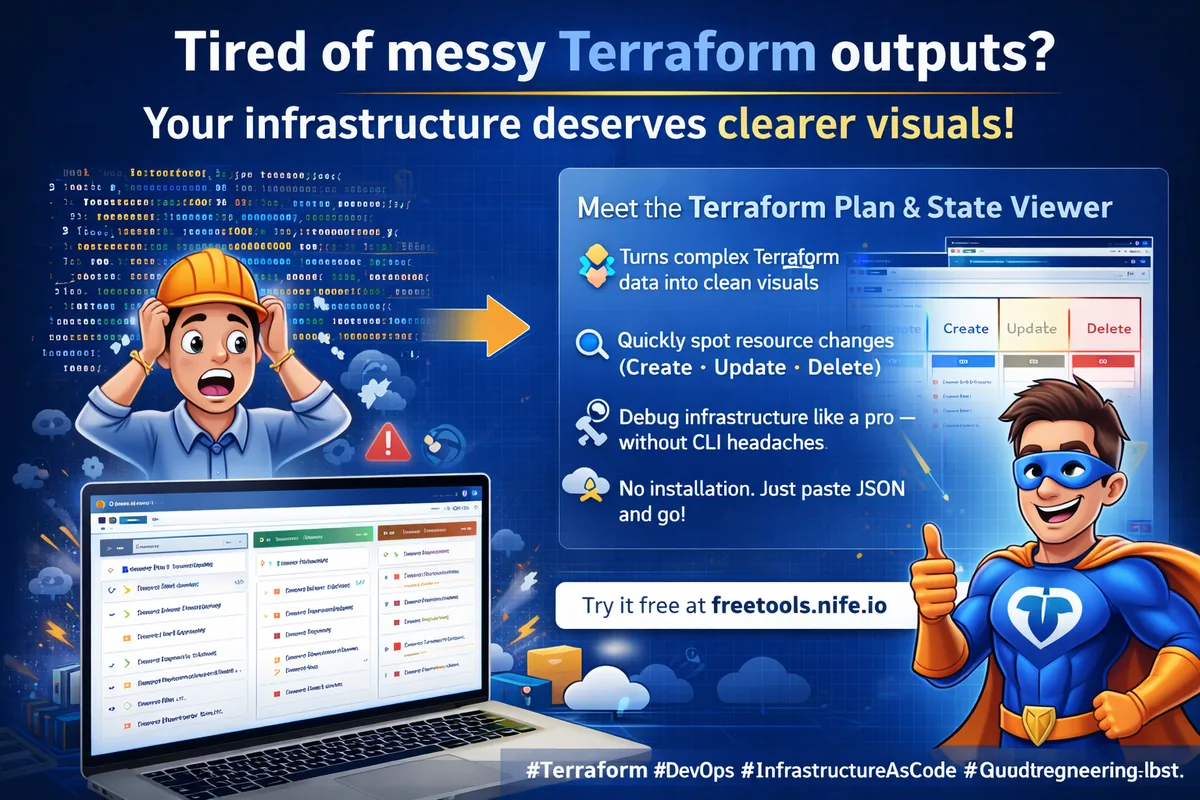
If you deal with Infrastructure as code, you’ve probably wrestled with Terraform’s giant plan outputs and messy state files. They’re not exactly easy to read, right?

That’s where the Terraform Plan & State Viewer from freetools.nife.io comes in. It’s a straightforward browser tool that turns those confusing Terraform outputs into clear, organized visuals.
In this guide, I’ll show you why seeing your Terraform data laid out neatly actually matters, how this tool works, and how it can make your day-to-day infrastructure work a whole lot smoother.
Why Terraform Plan & State Visualization Matters
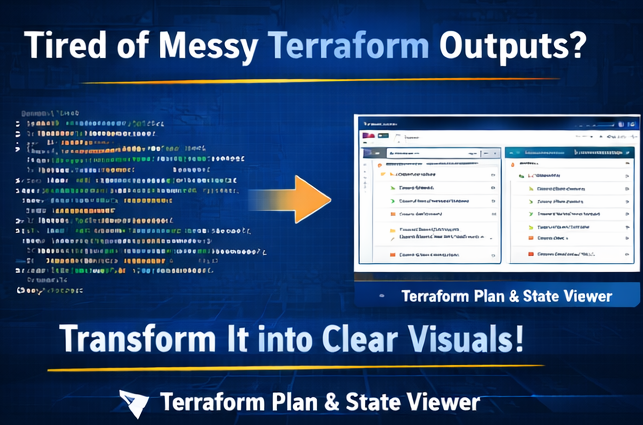
Challenges with Raw Terraform Output
Terraform plan and state files often contain:
- Deeply nested JSON structures
- Large volumes of resource metadata
- Hard-to-read diffs in plan output
- Sensitive values mixed with configuration data
- Difficulty identifying resource changes quickly
Trying to read all that raw output? It drags out debugging and makes reviewing your infrastructure way harder than it should be.
Benefits of Using a Terraform Viewer
Using a structured viewer helps ensure:
- Clear visualization of resource changes
- Easier inspection of attributes and values
- Faster debugging of infrastructure drift
- Improved clarity during code reviews
- Safer handling of sensitive data
What is Terraform Plan & State Viewer by freetools.nife.io?
Terraform Plan & State Viewer is a free, browser-based developer tool that allows you to paste Terraform JSON plan or state output and instantly view it in a structured and readable format.
It is designed for DevOps engineers who need quick inspection without installing CLI plugins or external viewers.Try Nife's Terraform-plan-viewer Tool
Step 1: Generate Terraform JSON Output
To use the viewer effectively, export Terraform output in JSON format.
For Terraform Plan
terraform plan -out=tfplan
terraform show -json tfplan > plan.json
For reference - view Teraform-CLI documentation
For Terraform State
terraform show -json terraform.tfstate > state.json
Once generated, open the JSON file and copy its contents or upload it to the tool . For ease try Nife's Json-Formatter Tool
Step 2: Use the Terraform Viewer Tool
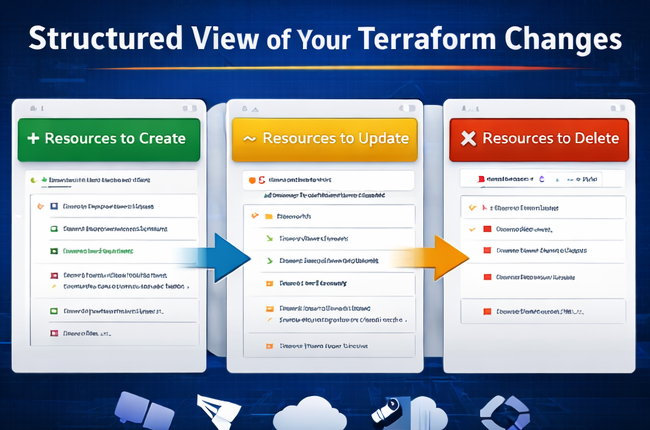
- Open the Terraform Plan & State Viewer page
- Paste the JSON output into the input editor
- Use the toggle to choose between Plan Viewer or State Viewer
- Switch between Structured View or Raw JSON View if needed
- Expand or collapse resources for easier inspection
- Analyze changes, attributes, and metadata instantly
Step 3: What the Tool Helps You See
The Terraform Viewer improves visibility into:
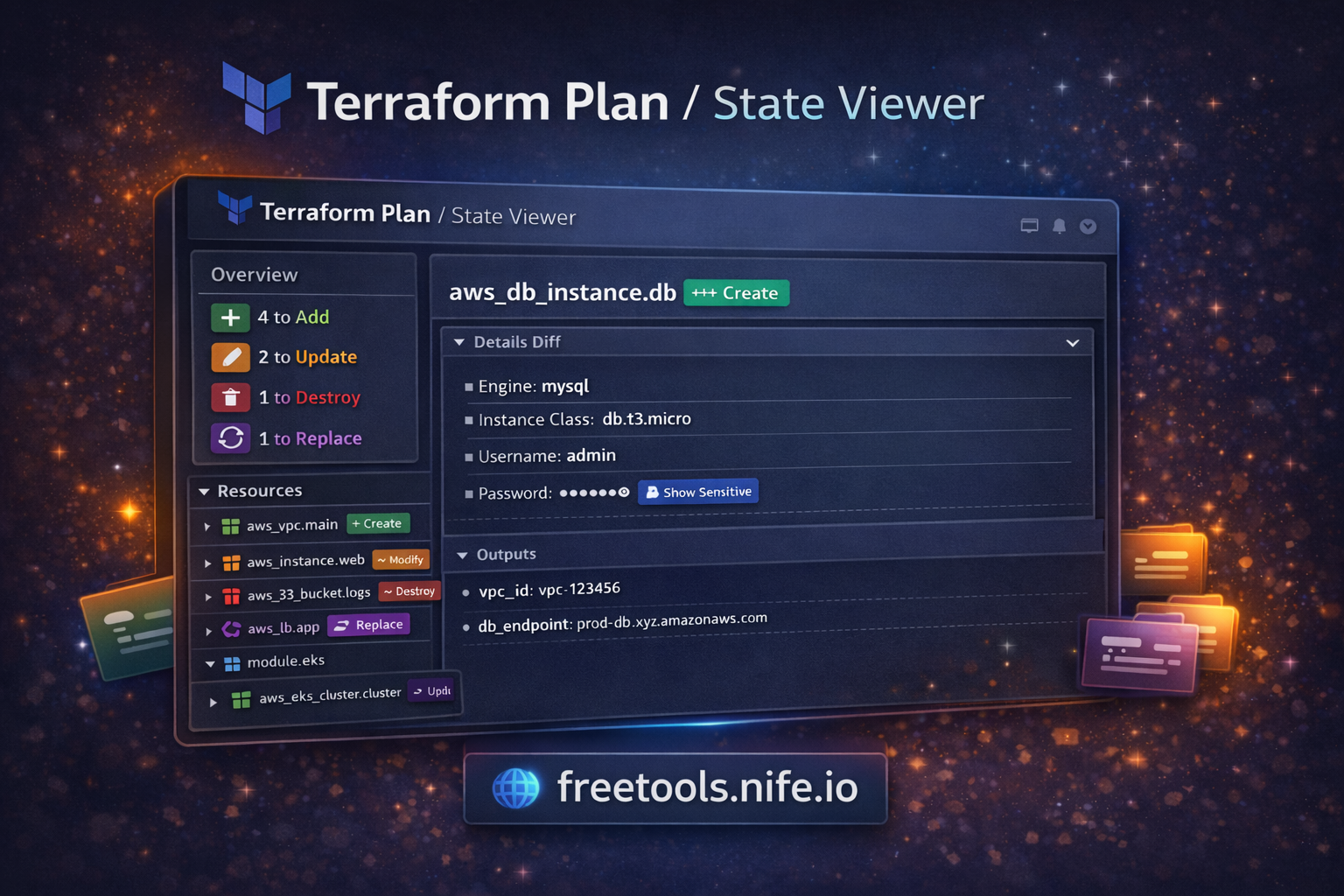
- Resources to be created, updated, or destroyed
- Attribute-level changes
- Nested modules and child resources
- Provider information
- Output values
- Sensitive fields (with optional reveal toggle)
Instead of scrolling through thousands of lines of CLI output, you get a structured and navigable interface.
Step 4: Common Problems It Solves
Problem: Hard-to-read Plan Diff
- Raw plan output can mix additions, updates, and deletions in a dense CLI format.
Solution:
The viewer separates and structures:
- create
- update
- delete
- no-op
This makes infrastructure changes easier to understand before applying them.
Step 5: Use Cases for Terraform Plan & State Viewer
- Reviewing infrastructure changes before deployment
- Debugging unexpected resource drift
- Inspecting remote state data
- Teaching Terraform concepts visually
- Sharing readable infrastructure snapshots with teams
Step 6: Why Choose freetools.nife.io Terraform Viewer
- Compared to CLI-only inspection or heavy IDE plugins, this tool offers:
- Zero installation
- Instant JSON visualization
- Clean and interactive UI
- Secure, browser-based processing
- Completely free access
- It fits naturally into CI/CD validation, DevOps reviews, and infrastructure audits.
Best Practices When Using Terraform Plan & State Viewer
- Take a good look at the terraform plan output before you make any changes. Don’t just hit apply and hope for the best.
- Switch to JSON output when you want a clearer, more organized view of what’s going on.
- If you need to share state files, always mask or protect any sensitive data. Don’t let credentials slip through the cracks.Use Nife's Json-Minifier
Try out visualization tools. They make it way easier to spot mistakes before they turn into real problems.
Key Takeaways
- Terraform plan and state files can get messy and hard to follow.
- Using structured visualization actually speeds up debugging and makes reviews less painful.
- Browser-based tools make DevOps work a lot smoother. Less friction means more time for actual problem-solving.
- The Terraform Plan & State Viewer from freetools.nife.io takes the pain out of analyzing infrastructure. It just makes everything simpler.
Conclusion
Terraform Plan & State Viewer by freetools.nife.io turns all that complicated Terraform output into something you can actually understand and use. It helps DevOps teams work together better, cuts down on deployment mistakes, and makes infrastructure more reliable. If you’re working in the cloud, having a clear view of your infrastructure isn’t just helpful—it’s a must.
Try Terraform Plan & State Viewer Now
Streamline your infrastructure review process today by Nife's Terraform-plan-viewer Tool
Deploy on Nife
Ready to deploy? Check out the Nife documentation:
From the team at Nife
Deploy your next app in minutes, not days.
Nife is a multi-cloud edge platform that lets you deploy, scale, and manage applications globally without the infrastructure headache.