HTML Validator Tool | Validate and Auto-Correct HTML Online
A friendly guide to using the HTML Validator tool by freetools.nife.io to spot structural mistakes, fix nesting, and auto-correct HTML right in your browser.

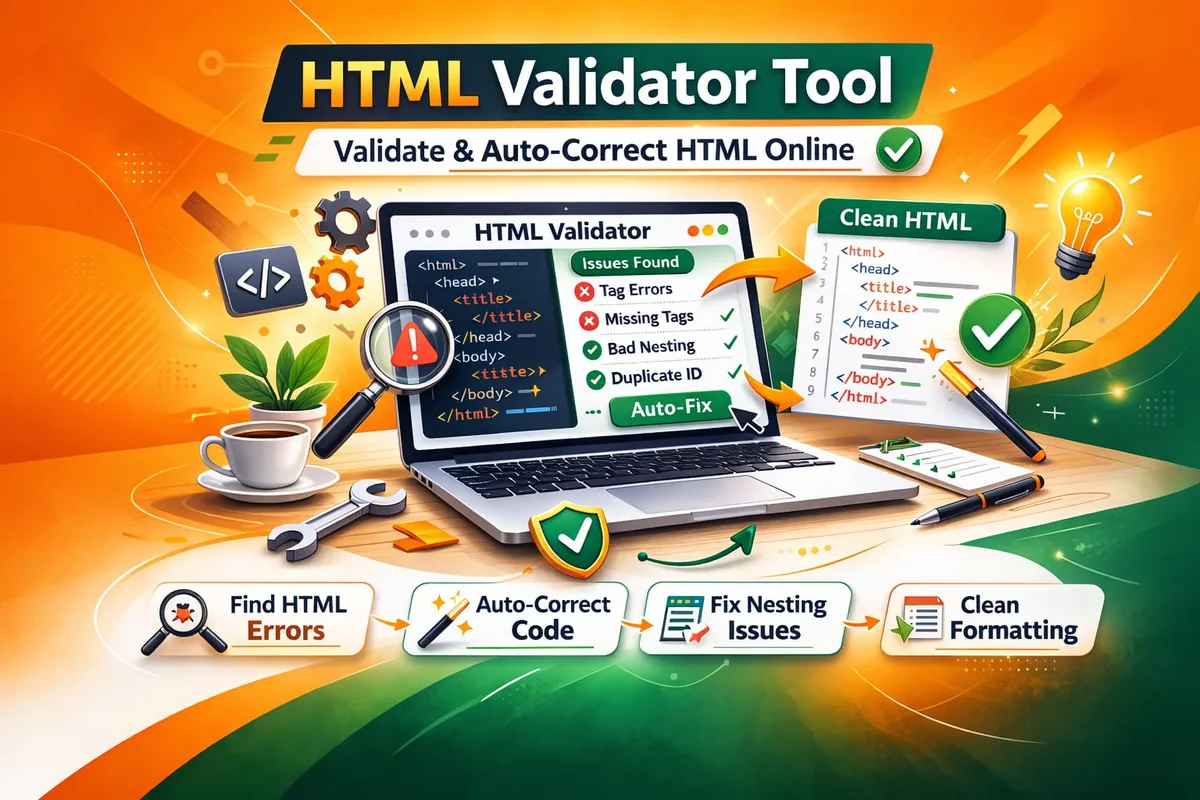
If you’ve ever stared at a broken page and thought, “Why isn’t this rendering right?” you’re not alone.
A missing closing tag.
A duplicate ID.
An unclosed comment.
Missing lang on the html tag.
Tiny mistakes can quietly throw off layouts, accessibility, and even SEO.
That’s where the HTML Validator tool by freetools.nife.io comes in — a simple, in-browser validator that not only spots structural issues but also fixes them smartly.
Here’s a quick look at why it matters and how to use it effectively.
Why HTML Validation Still Matters
Modern frameworks are powerful, but clean HTML structure is still the backbone of every page.
When the HTML blows a gasket, you might see:
- Odd layout behavior
- JavaScript not attaching properly
- Accessibility problems (like missing attributes)
- SEO issues from invalid markup
- Hard-to-track nesting errors
Even pros miss things during fast-paced work.
Validation isn’t about chasing perfection — it’s about catching silent failures early.
Modern HTML behavior follows standards defined in the HTML Living Standard – WHATWG , which browsers use to interpret markup consistently.
What Makes This Validator Stand Out?

Not just a basic syntax checker, this tool focuses on real structural integrity.
It checks for:
- Proper declaration
- Presence of , , and tags
- Required lang attribute on
- Correct tag nesting
- Unclosed tags detected
- Duplicate IDs flagged
- Invalid self-closing tags (like )
- Missing alt attributes on
- Stray or nested comments
- Content sitting outside
Best part? It auto-corrects the common structural issues and formats HTML neatly with Prettier.
No installation. No setup. Just paste and validate.
If you want to clean and format messy markup before validating, try the formatter tool HTML Formatter Tool.
How to Use the HTML Validator
Using it takes under a minute:
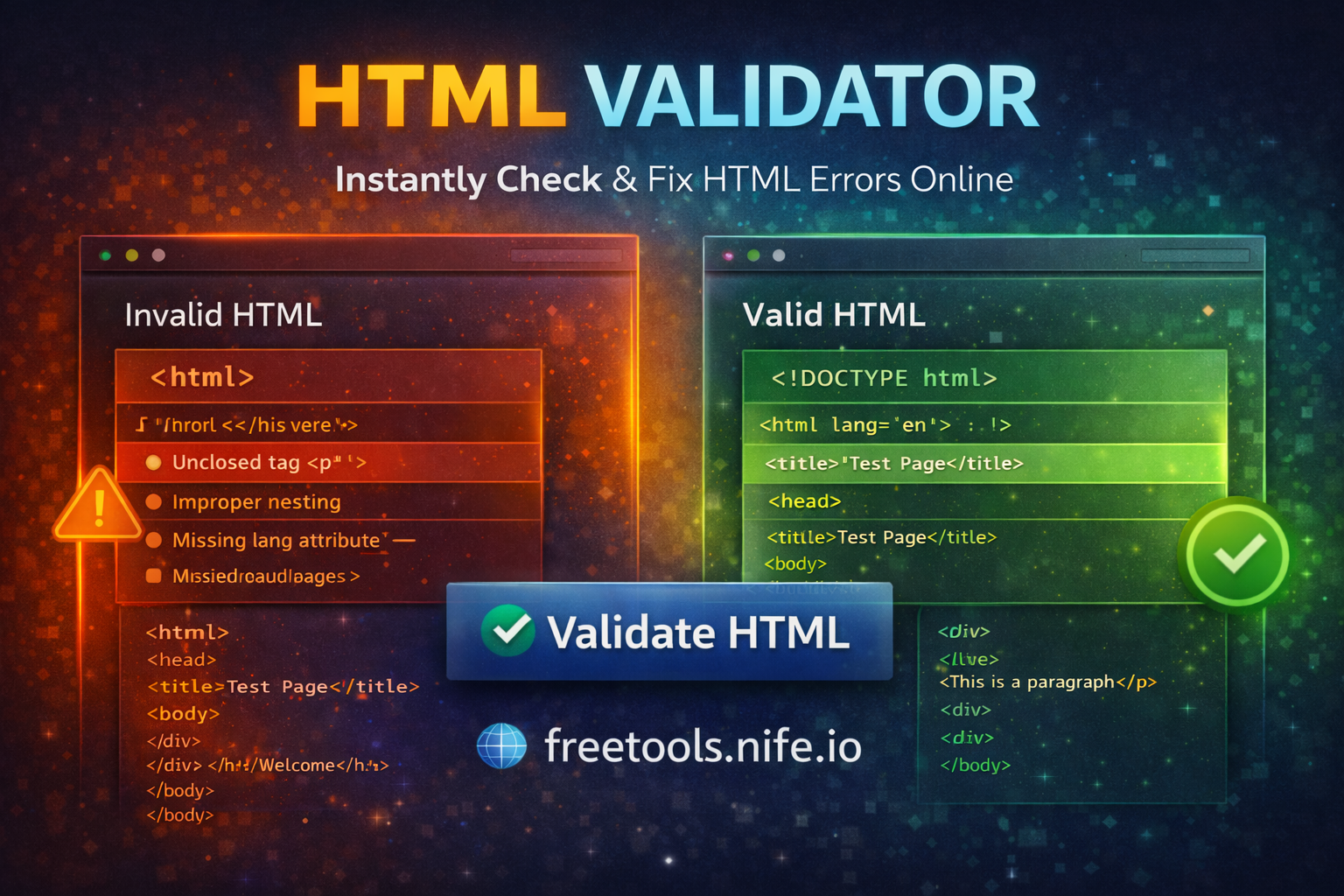
- Open the HTML Validator page
- Paste your HTML into the editor
- Click Validate HTML
- Review the issues found
- Copy the corrected, nicely formatted output
The editor shows errors with line and column numbers so you can fix things quickly.
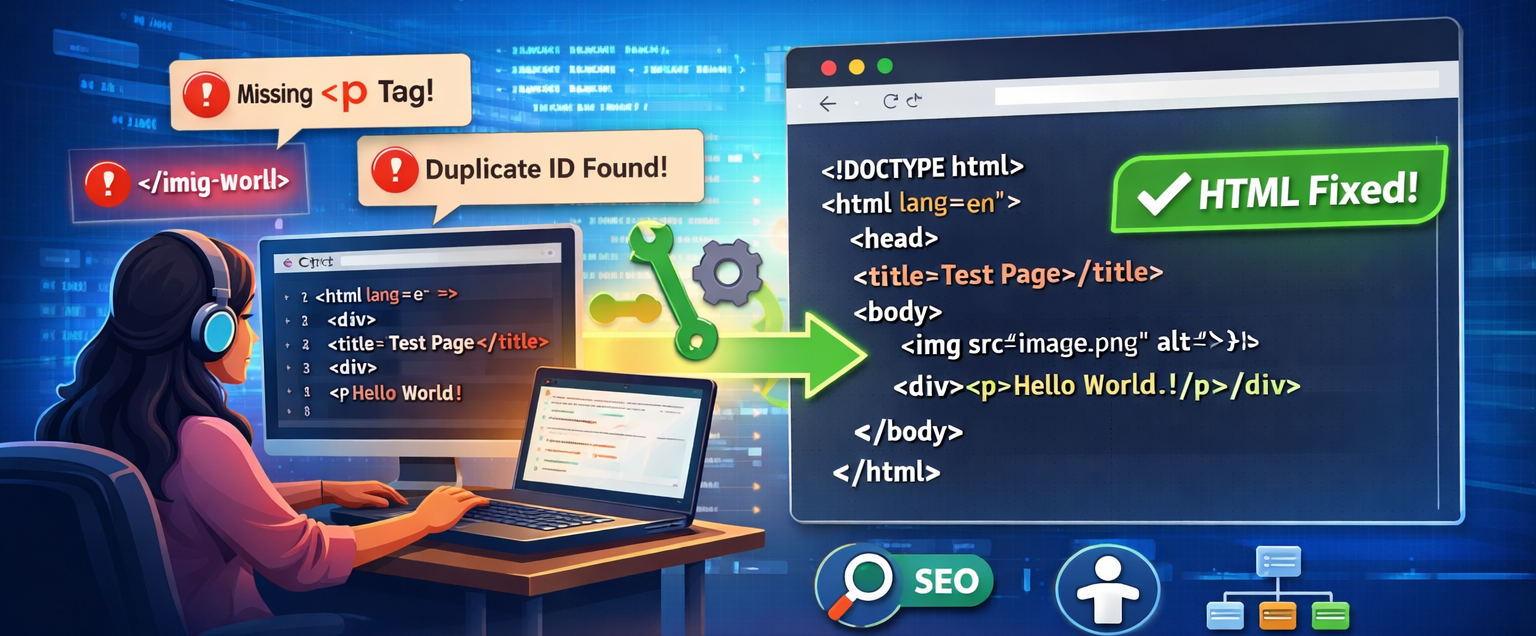
Example: Before and After Validation
Before (Common Issues)
<html>
<head>
<title>Test Page</title>
</head>
<body>
<img src="image.png">
<div>
<p>Hello World
</body>
After Validation & few Corrections
<!DOCTYPE html>
<html lang="en">
<head>
<title>Test Page</title>
</head>
<body>
<img src="image.png" alt="HTML Validator Tool | Validate and Auto-Correct HTML Online" />
<div><p>Hello World</p></div>
</body>
</html>
Now the structure is clean, readable, and standards-compliant.
Built for real developer workflows
This tool fits right into:
- Code reviews
- Debugging layout quirks
- Cleaning up legacy HTML
- Teaching HTML structure
- Snippet prep for docs
- Checking HTML before deployment
Since it runs in the browser, you can validate code fast without juggling tools or extensions.
Smart validation rules out of the box
A few handy checks you’ll see in the validator:
-
DOCTYPE check
- Makes sure you start with
-
HTML root check
- Catches extra tags and makes sure there’s a closing
-
Accessibility checks
- Ensures a lang attribute on
- Flags images without alt text
Accessibility issues often arise from invalid markup, and best practices are outlined in the Web Content Accessibility Guidelines (WCAG) Overview.
-
Structural integrity
- Catches bad nesting, stray closing tags, and missing end tags
-
Safety & performance
- Keeps input size reasonable to avoid crashes
- Handles script and style blocks carefully
- Shows formatting issues clearly
All of this holds up even for bigger HTML files.
Why this over an IDE plugin?
Datapoints IDEs do linting, but this tool is:
- Zero setup
- Reachable from anywhere
- Focused on structure only
- Output that's automatically clean
- Free to use
For quick browser-based formatting without installing extensions, many developers pair this workflow with the JSON Formatter.
Great for quick checks without touching your own setup.
Tips for cleaner HTML
A few habits that save hours later:
- Include every time
- Set lang="en" (or your language)
- Don’t self-close non-void elements
- Always include alt text for images
- Keep IDs unique
- Validate before big changes
Before deploying, reducing file size using the Nife's HTML Minifier can improve loading performance.
A little discipline goes a long way.
Key takeaways
- HTML structure affects layout, accessibility, and SEO
- Structural errors often fly under the radar but cost time
- Automated checks cut debugging time
- A browser-based tool streamlines the workflow
- This validator from freetools.nife.io makes it easy
Search engines rely on clean markup to understand content structure, as explained in the Google SEO Starter Guide.
Final thoughts
HTML might look simple, but tiny mistakes can cause big headaches. The HTML Validator helps you feel confident that your markup is clean, accessible, and solidly structured. Whether you’re debugging a live issue or teaching HTML basics, validating the structure should be part of the routine.
Try More tools Now
Explore more developer utilities and productivity tools on Free Tools by Nife. Discover our full range of products and web solutions at Nife Solutions.
From the team at Nife
Deploy your next app in minutes, not days.
Nife is a multi-cloud edge platform that lets you deploy, scale, and manage applications globally without the infrastructure headache.