JSON Validator Tool - Validate and Format JSON Online Instantly
A comprehensive guide to using the JSON Validator tool by freetools.nife.io to validate, debug, and format JSON data for APIs, configurations, and applications.

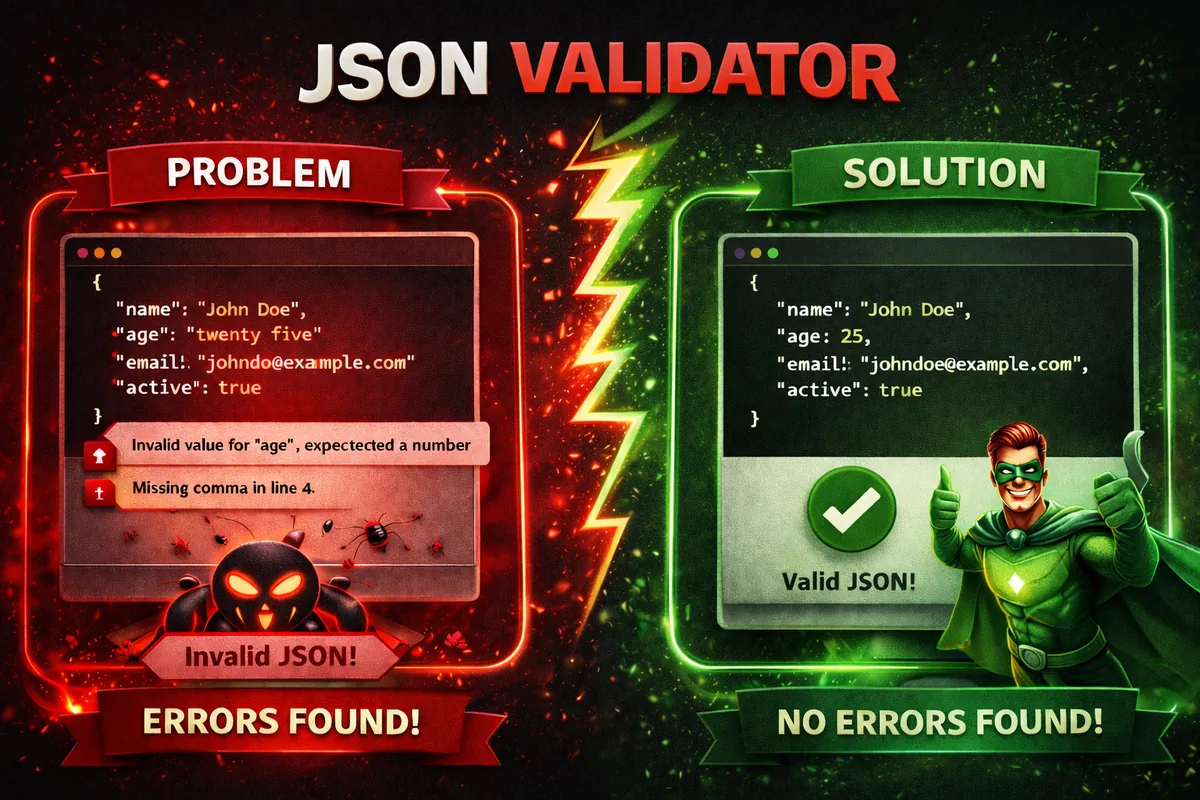
JSON (JavaScript Object Notation) has become the standard data format for modern web applications, APIs, configuration files, and microservices. While JSON is lightweight and easy to read, even a small syntax error can break an entire application or API response.
JSON follows a strict syntax defined by the JSON specification.
This blog introduces the JSON Validator tool by freetools.nife.io, a fast and reliable browser-based utility that helps developers validate, debug, and format JSON instantly.
The goal of this guide is to explain why JSON validation is critical, how the tool works, and how it fits seamlessly into a modern development workflow.
Why JSON Validation Matters
Common Problems with Invalid JSON
Invalid or poorly formatted JSON can cause serious issues, including:
- API request or response failures
- Application crashes due to parsing errors
- Misconfigured environment or deployment files
- Hard-to-debug production issues
- Poor readability in logs and documentation
Even a missing comma or an extra trailing character can render JSON unusable.
For practical examples and learning resources, refer to the MDN JSON documentation.
Benefits of Using a JSON Validator
Using a dedicated JSON validator ensures:
- Immediate detection of syntax errors
- Clear and actionable error messages
- Consistent and readable formatting
- Faster debugging during development
- Higher confidence when sharing JSON across systems
What is the JSON Validator by freetools.nife.io?
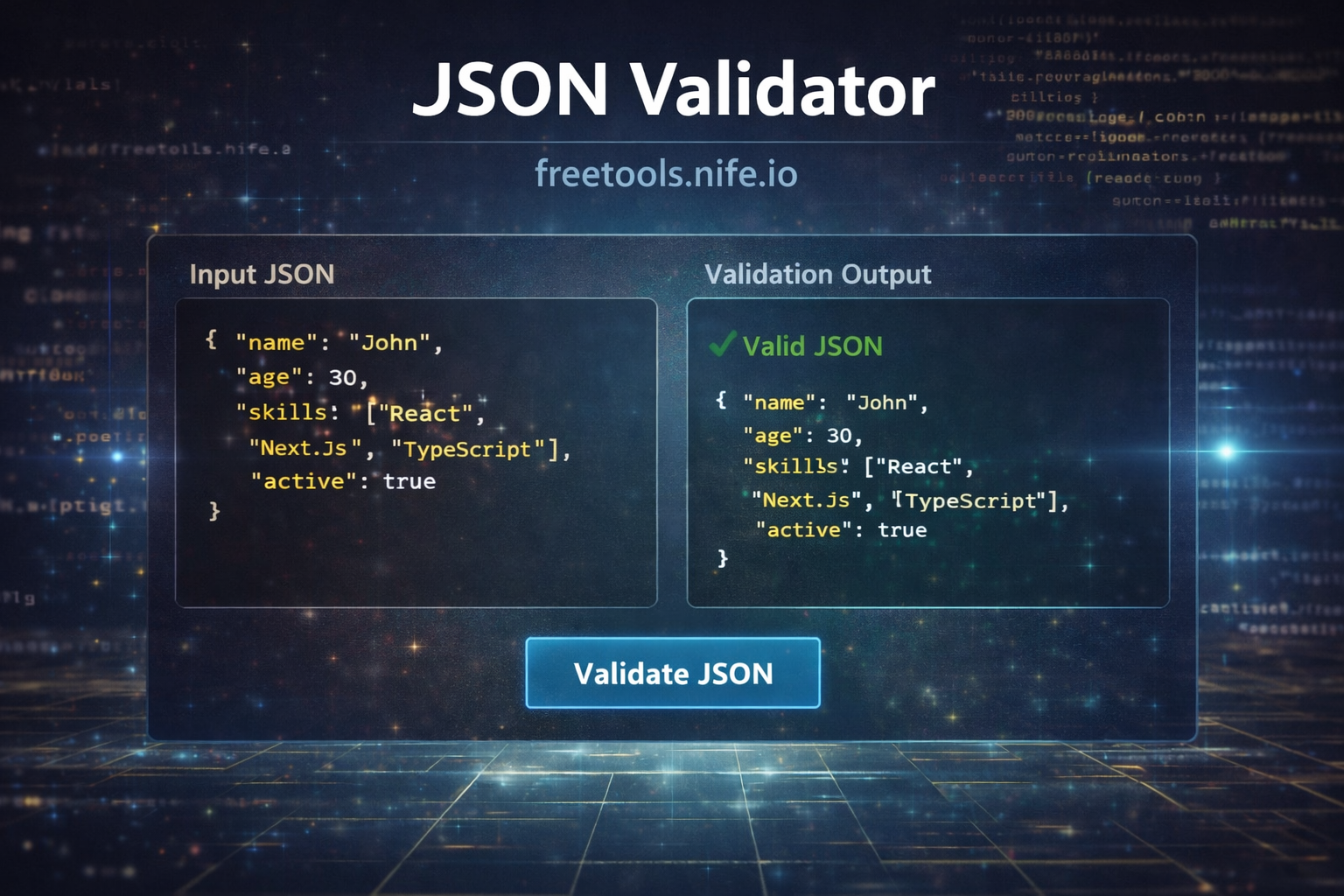
The JSON Validator is a free, browser-based developer tool that validates JSON syntax and formats valid JSON into a clean, readable structure.
It is designed for developers who want instant feedback without installing extensions, configuring IDE plugins, or relying on backend APIs.
Step 1: Access the JSON Validator Tool
The JSON Validator runs entirely in the browser.
- Open the JSON Validator page
- Paste your JSON into the input editor
- Click the Validate JSON button
- View validation results instantly
- Copy the formatted JSON if valid
Step 2: JSON Syntax Validation
The validator checks for common JSON syntax issues such as:
- Missing or extra commas
- Invalid quotation marks
- Incorrect nesting of objects and arrays
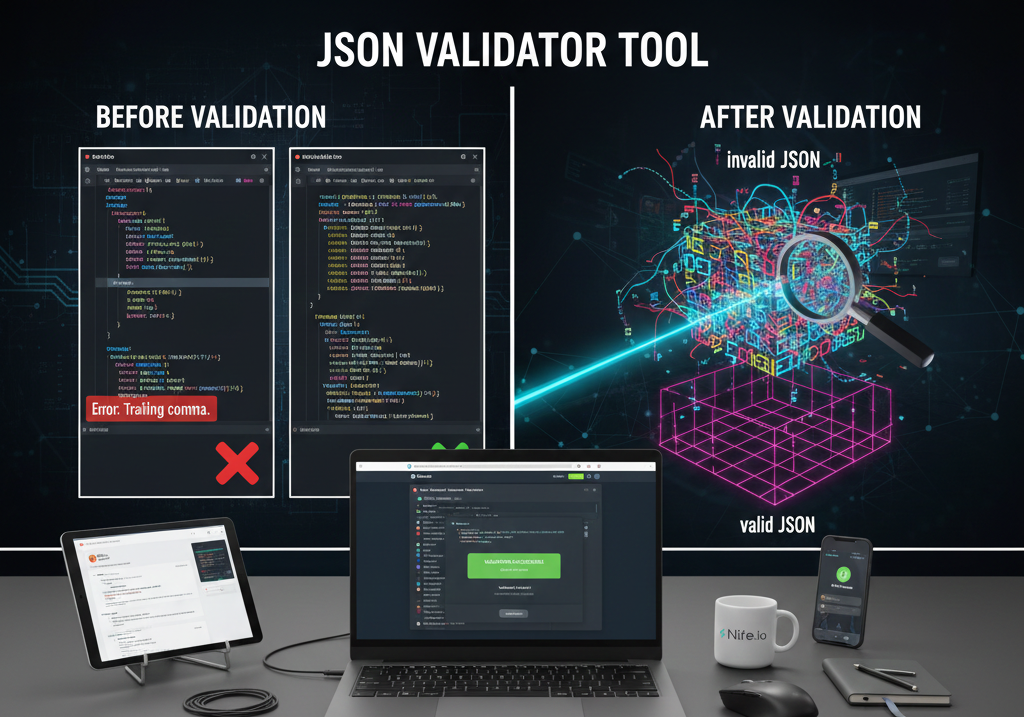
- Trailing commas
- Invalid data types
Errors are displayed with clear messages that help pinpoint the issue quickly.
Step 3: JSON Formatting and Beautification
If the JSON is valid, the tool automatically formats it with:
- Proper indentation
- Consistent spacing
- Clear nesting structure
- Readable output for large JSON objects
This makes the JSON easier to understand, review, and maintain.
For advanced formatting and readability improvements, developers can also use the Nife's JSON Formatter Tool to beautify large or complex JSON structures.
Step 4: Common JSON Issues Solved
Before Validation
{"name":"John","age":30,"skills":["JS","React",],"active":true}
Validation Result
Error: Trailing comma in array
After Fixing and Formatting
{
"name": "John",
"age": 30,
"skills": [
"JS",
"React"
],
"active": true
}
The formatted output improves clarity and prevents runtime failures.
Step 5: Use Cases for JSON Validator
The JSON Validator is useful in many real-world scenarios:
- Validating API request and response payloads
- Debugging configuration files (env, settings, feature flags)
- Reviewing JSON during code reviews
- Getting JSON ready for docs or tutorials
- Learning correct JSON structure as a beginner
- Minify JSON to remove unnecessary spaces and line breaks Nife's JSON MINIFIER to avoid request and response failures
Step 6: Why Choose freetools.nife.io JSON Validator
Compared to IDE plugins or backend-based validators, this tool offers:
- Zero installation or configuration
- Fully client-side execution
- Fast and lightweight performance
- Clean and distraction-free UI
- Completely free access
It works perfectly for quick checks during development and debugging.
Use the Nife's JSON Validator Tool to catch syntax errors and format JSON in seconds.
Step 7: Best Practices When Working with JSON
A few practical tips to stay out of trouble:
- Always validate JSON before using it in production
- Format JSON before committing it to repositories
- Don’t edit huge JSON files by hand without checking it
- Use consistent indentation across projects
- Validate API payloads during testing
Security and Privacy
The validator runs entirely in the browser. No data ever leaves your device, so sensitive information stays private.
JSON syntax rules are formally defined in the RFC 8259 JSON standard.
Key Takeaways
- JSON validation prevents runtime and API errors
- Clean formatting improves readability and maintainability
- Browser-based tools reduce setup overhead
- JSON Validator by freetools.nife.io offers instant feedback
- Valid JSON leads to more reliable applications
Conclusion
The JSON Validator tool by freetools.nife.io is an essential utility for developers working with APIs, configurations, and data-driven applications. By instantly validating and formatting JSON, it saves time, reduces bugs, and improves overall code quality.
Making JSON validation a habit is a small step that delivers long-term benefits across development, testing, and production environments.
Explore More Tools
Explore more utilities on Free Developer Tools by Nife.
From the team at Nife
Deploy your next app in minutes, not days.
Nife is a multi-cloud edge platform that lets you deploy, scale, and manage applications globally without the infrastructure headache.