Amazon RDS: Your Managed Database Solution for Effortless Scalability and High Availability
Simplify database management with Amazon RDS, a fully managed service offering high availability, automated backups, and support for popular database engines like Aurora, MySQL, and PostgreSQL. This article explores RDS features, pricing, and best practices to optimize your database performance.

In the cloud-native era, managing relational databases manually is increasingly impractical—it’s time-consuming, error-prone, and demands significant expertise. Amazon RDS (Relational Database Service) from AWS is designed to automate the infrastructure heavy-lifting and give you fully managed database instances for a variety of engines.
Whether you’re building a small web app, deploying enterprise-scale software, or running analytics pipelines, RDS can be your go-to solution for reliable, scalable, and secure relational data management.
🚀 What is Amazon RDS?
Amazon RDS is a managed database service that automates essential but tedious database tasks like:
- Provisioning hardware
- Patching the database engine
- Automating backups and snapshots
- Handling replication and failover
RDS supports multiple engines, offers vertical and horizontal scalability, and integrates tightly with AWS services like CloudWatch, Lambda, and IAM.
Official docs: Amazon RDS Documentation
Supported Database Engines
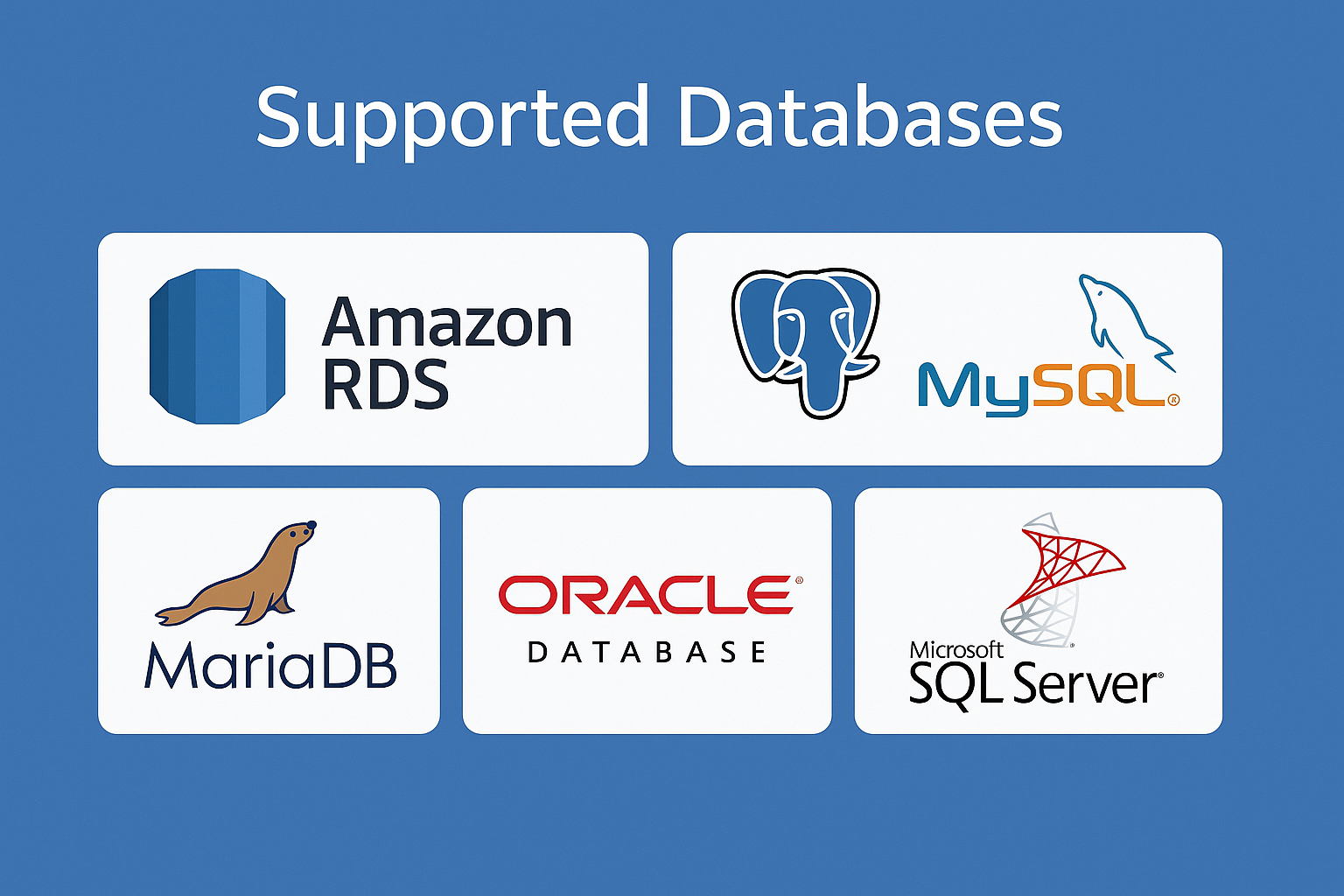
Amazon RDS currently supports six major database engines:
-
Amazon Aurora (MySQL/PostgreSQL-compatible)
- Cloud-native, high-performant engine built by AWS
- Up to 5× performance over standard MySQL and 3× over PostgreSQL
- Scales storage automatically from 10GB to 128TB
- Native high availability with multi-AZ deployments
-
MySQL
- Popular open-source database; ideal for LAMP stacks, web apps, e-commerce, CMS systems
- RDS supports versions 5.6, 5.7, 8.0
-
PostgreSQL
- Advanced open-source database for analytics, geospatial applications, and extensibility
- Supports extensions like PostGIS, pg_stat_statements, etc.
-
MariaDB
- MySQL fork with similar compatibility and additional features
- Flexibility with different storage engines
-
Oracle
- Enterprise-grade, popular for transactional workloads
- Supports Enterprise and Standard Editions (BYOL or license-included)
-
Microsoft SQL Server
- Widely used in .NET/Windows environments
- Editions: Express, Web, Standard, Enterprise
- Native SSMS, Windows Auth (via IAM), Transparent Data Encryption
Core Features
- Automated Backups: Daily snapshots and point-in-time recovery.
- Multi-AZ Deployments: Synchronous replication for high availability.
- Read Replicas: Asynchronous replication for improved read throughput.
- Monitoring & Metrics: Integration with Amazon CloudWatch and Enhanced Monitoring.
- IAM Integration: Granular database access control.
- Automatic Failover: Seamless promotion of standby on failure.
Use Cases
- Web/mobile applications (Aurora, MySQL, PostgreSQL)
- Enterprise ERP/CRM (Oracle, SQL Server)
- Data analytics and reporting (PostgreSQL + extensions)
- SaaS multi-tenancy platforms
- E-commerce and inventory management
Security & Compliance
Amazon RDS provides multiple security layers:
- VPC isolation for network-level security
- IAM for fine-grained access control
- Encryption at rest (KMS) and in transit (SSL/TLS)
- Database auditing and activity monitor
RDS meets major compliance standards: PCI DSS, HIPAA, FedRAMP, SOC 1/2/3, GDPR, and more.
Pricing Considerations
RDS pricing is determined by:
- Instance type (see pricing)
- Licensing model (BYOL or license-included)
- Storage type (General Purpose SSD, Provisioned IOPS, Magnetic)
- Region selected
- Backups and data transfer usage
Use the AWS Pricing Calculator to estimate your RDS costs.
Best Practices
- Enable Multi-AZ: Ensures availability and disaster protection.
- Turn on Auto Backups: Safeguards against accidental loss.
- Tune with Parameter Groups: Safely adjust DB settings.
- Monitor proactively: Use CloudWatch or Performance Insights.
- Tag your resources: For organization and billing.
- Limit public access: Leverage security/subnet groups.
Additional Resources
Conclusion
Amazon RDS makes relational database management simple, scalable, and secure. From dev workloads to mission-critical enterprise systems, RDS provides a robust backbone that integrates seamlessly with AWS cloud services. Understanding the unique advantages of each supported engine will help you choose the best option for your project’s needs and budget. With proper planning and adherence to AWS best practices, RDS can power any modern, data-driven application architecture.
From the team at Nife
Deploy your next app in minutes, not days.
Nife is a multi-cloud edge platform that lets you deploy, scale, and manage applications globally without the infrastructure headache.