Fixing Fernet Encryption | Resolving the InvalidSignature Error
A deep dive into bridging the gap between JavaScript and Python cryptography. Learn how to resolve the 'InvalidSignature' error when using CryptoJS with the Fernet encryption protocol.

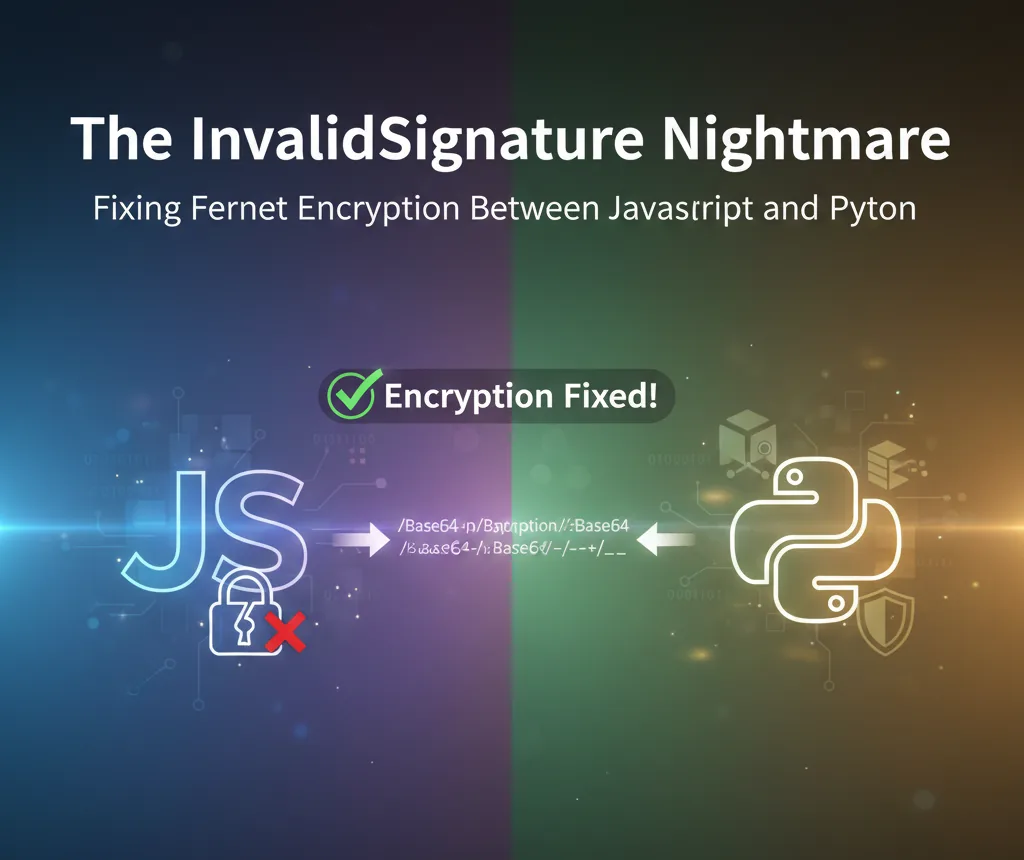
When building secure full-stack applications, we often need to pass sensitive data—like Docker Compose files or environment variables—from a frontend client to a backend server. For many developers using Python, Fernet (symmetric encryption) is the go-to choice because it’s part of the standard cryptography library.
However, moving from a Python-to-Python environment to a JavaScript-to-Python environment often leads to a frustrating roadblock:
cryptography.exceptions.InvalidSignature: Signature did not match digest.
This error doesn't mean your password is wrong; it means your libraries are speaking different "dialects" of the same language.
The Diagnosis: It’s Not the Password, It’s the Alphabet
The error InvalidSignature specifically triggers when the HMAC verification fails. Fernet tokens contain a signature that ensures the data hasn't been tampered with. To verify it, the receiver re-calculates the hash using the Secret Key. If they don't match, the token is rejected.
The culprit is almost always how Base64 is handled between the two languages.
Standard vs. URL-Safe Base64
Base64 encoding turns binary data into text. The "Standard" alphabet uses A-Z, a-z, 0-9, +, and /. However, because + and / are special characters in URLs, Python’s Fernet library uses URL-Safe Base64 (RFC 4648), which swaps:
+for-(hyphen)/for_(underscore)
The break happens in two places:
- The Key: Your Python backend generates a key with underscores. CryptoJS, expecting standard Base64, misinterprets these characters, resulting in a corrupted key in memory.
- The Token: CryptoJS sends tokens with
+and/. Python expects-and_. When Python tries to verify the signature, the math fails.
The Solution
To bridge this gap, we need to "sanitize" the data on both ends of the wire.
1. The Frontend Fix (TypeScript/JS)
On the client side, we must normalize the Python-generated secret key so that CryptoJS understands it correctly. We also need to construct the Fernet token manually.
import CryptoJS from 'crypto-js';
export const fernetEncrypt = (message, secret) => {
// 1. Sanitize the key: Convert URL-Safe Base64 to Standard Base64
const normalizedSecret = secret.replace(/-/g, '+').replace(/_/g, '/');
const key = CryptoJS.enc.Base64.parse(normalizedSecret);
// 2. Split the key into signing and encryption keys
const signingKey = CryptoJS.lib.WordArray.create(key.words.slice(0, 4));
const encryptionKey = CryptoJS.lib.WordArray.create(key.words.slice(4, 8));
// 3. Get the current timestamp (in seconds)
const timestamp = Math.floor(Date.now() / 1000);
const timestampWords = CryptoJS.lib.WordArray.create([0, timestamp]); // 64-bit Big Endian
// 4. Create a random IV
const iv = CryptoJS.lib.WordArray.random(16);
// 5. Encrypt the message
const encrypted = CryptoJS.AES.encrypt(message, encryptionKey, {
iv: iv,
mode: CryptoJS.mode.CBC,
padding: CryptoJS.pad.Pkcs7,
});
// 6. Create the HMAC
const version = CryptoJS.lib.WordArray.create([0x80000000], 1); // Version byte (0x80)
const hmacData = CryptoJS.lib.WordArray.create()
.concat(version)
.concat(timestampWords)
.concat(iv)
.concat(encrypted.ciphertext);
const hmac = CryptoJS.HmacSHA256(hmacData, signingKey);
// 7. Concatenate all parts to form the token
const token = CryptoJS.lib.WordArray.create()
.concat(version)
.concat(timestampWords)
.concat(iv)
.concat(encrypted.ciphertext)
.concat(hmac);
// 8. Base64 URL-safe encode the token
let base64Token = CryptoJS.enc.Base64.stringify(token);
base64Token = base64Token.replace(/\+/g, '-').replace(/\//g, '_').replace(/=/g, '');
return base64Token;
};
2. The Backend Fix (Python)
On the server, perform the reverse operation on the incoming token string before passing it to the cryptography library.
from cryptography.fernet import Fernet
from flask import Flask, request
app = Flask(__name__)
# IMPORTANT: Load your secret key securely, e.g., from environment variables
# For demonstration, it's hardcoded here.
SECRET_KEY = b"your_fernet_secret_key_here" # Should be a 32-byte URL-safe base64-encoded key
cipher_suite = Fernet(SECRET_KEY)
@app.route('/compose_file', methods=['POST'])
def deploy_from_content():
data = request.get_json()
encrypted_data = data.get("encrypted_content")
try:
# 1. No need to replace characters if the JS side is correct
# The token should already be in URL-safe Base64 format.
# Fernet expects bytes, so we encode the string.
token_bytes = encrypted_data.encode('utf-8')
# 2. Decryption will now succeed
decrypted_content = cipher_suite.decrypt(token_bytes)
return {"message": "Stack deployed successfully!", "content": decrypted_content.decode('utf-8')}, 200
except Exception as e:
return {"error": "Decryption failed", "details": str(e)}, 500
Why This Matters
Cryptography is unforgiving. This issue highlights the importance of Language Interoperability. By ensuring your encryption layers match, you can confidently deploy containerized apps without risking exposure of sensitive configuration files.
By explicitly handling the Base64 character mapping, you ensure your application is robust, secure, and ready for a production environment on Nife's platform.
For further reading on secure implementations, check out the OWASP Guide on Cryptography or the Official Fernet Specification.
From the team at Nife
Deploy your next app in minutes, not days.
Nife is a multi-cloud edge platform that lets you deploy, scale, and manage applications globally without the infrastructure headache.